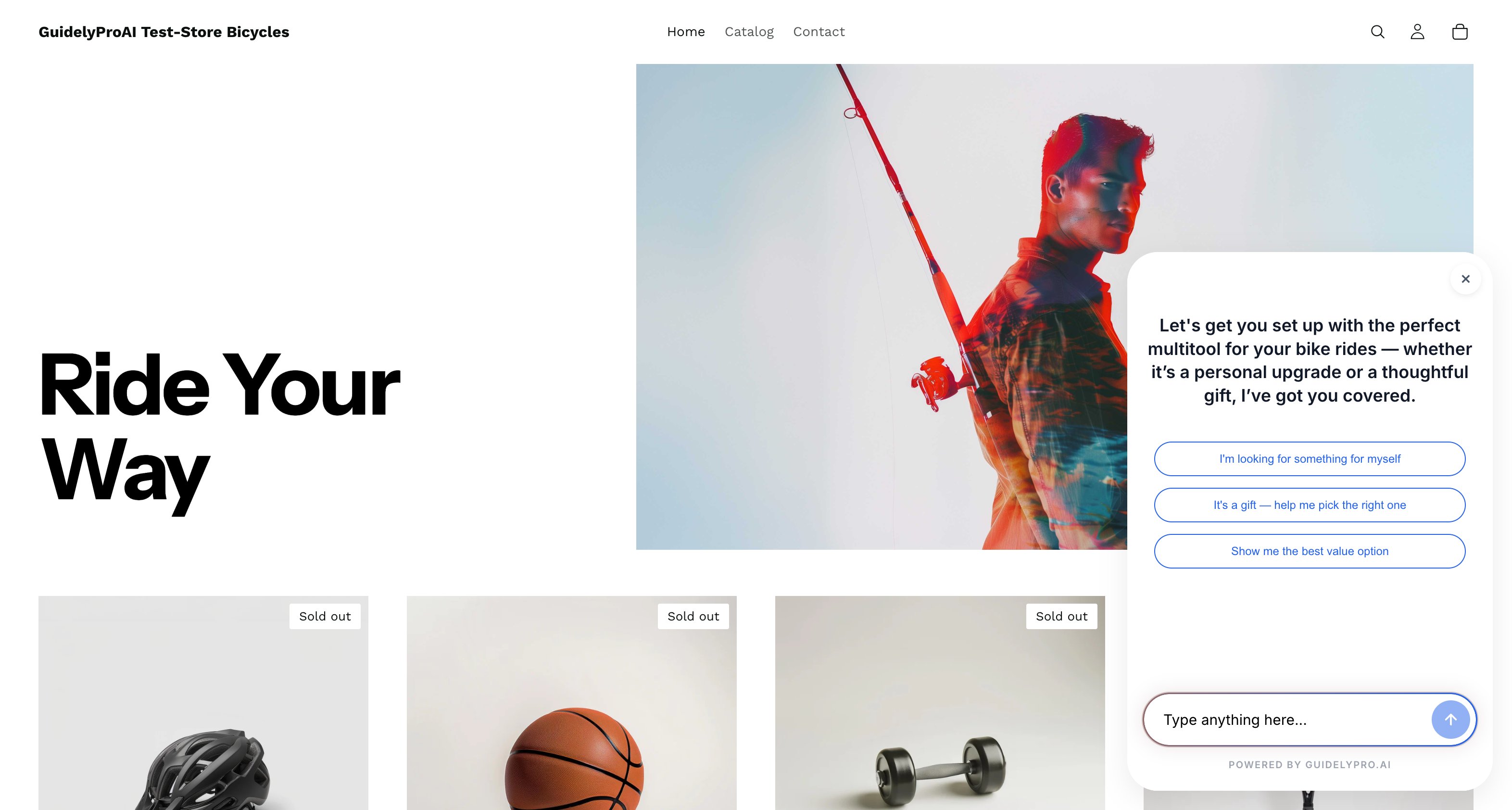
Connect your Shopify store and launch an AI-powered lead capture experience — from template to live on your storefront in minutes. No code, no theme changes.
Before you start — you need a GuidelyPro.AI account, admin access to your Shopify store, and your Shopify store URL. That’s it.
Part 1 — Start from the template
1
Use the template
Click Use template to start building a lead capture experience.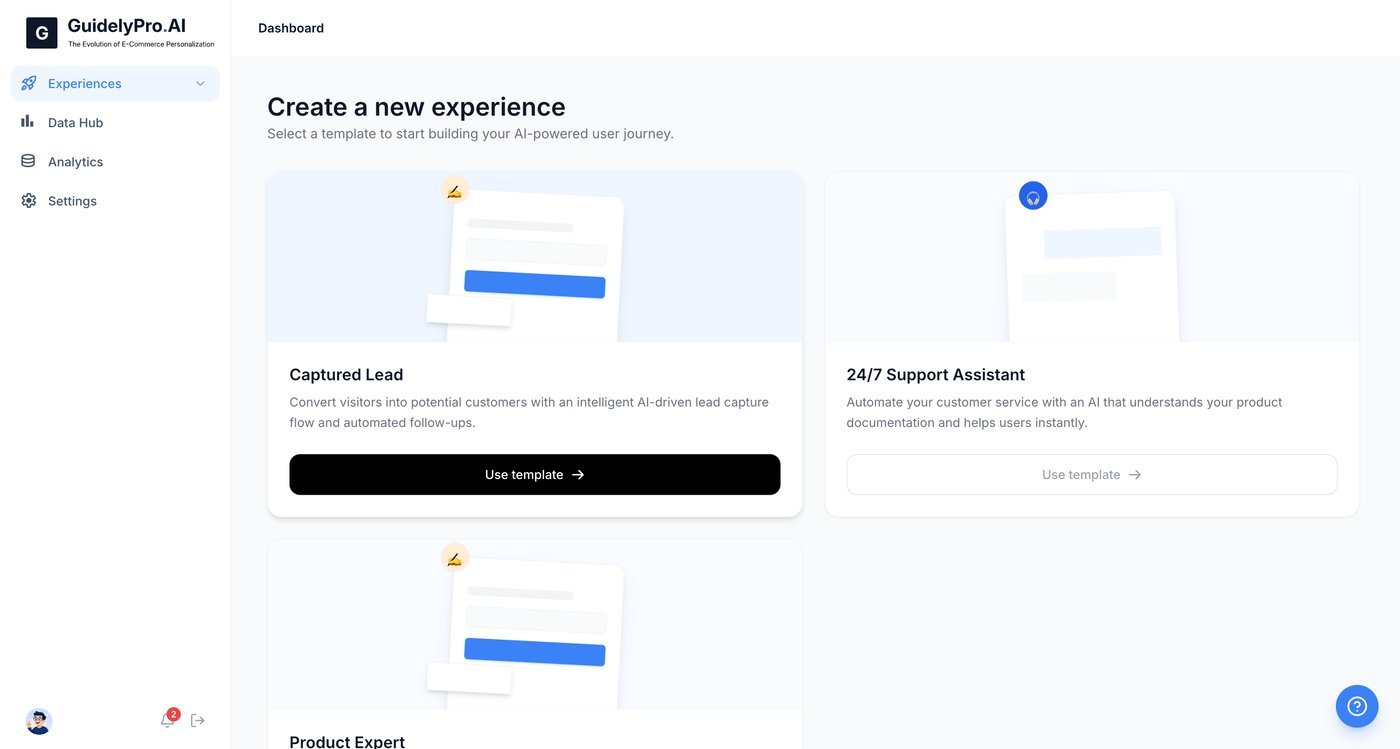
2
Select your platform
Select Shopify as your store platform to connect your e-commerce site.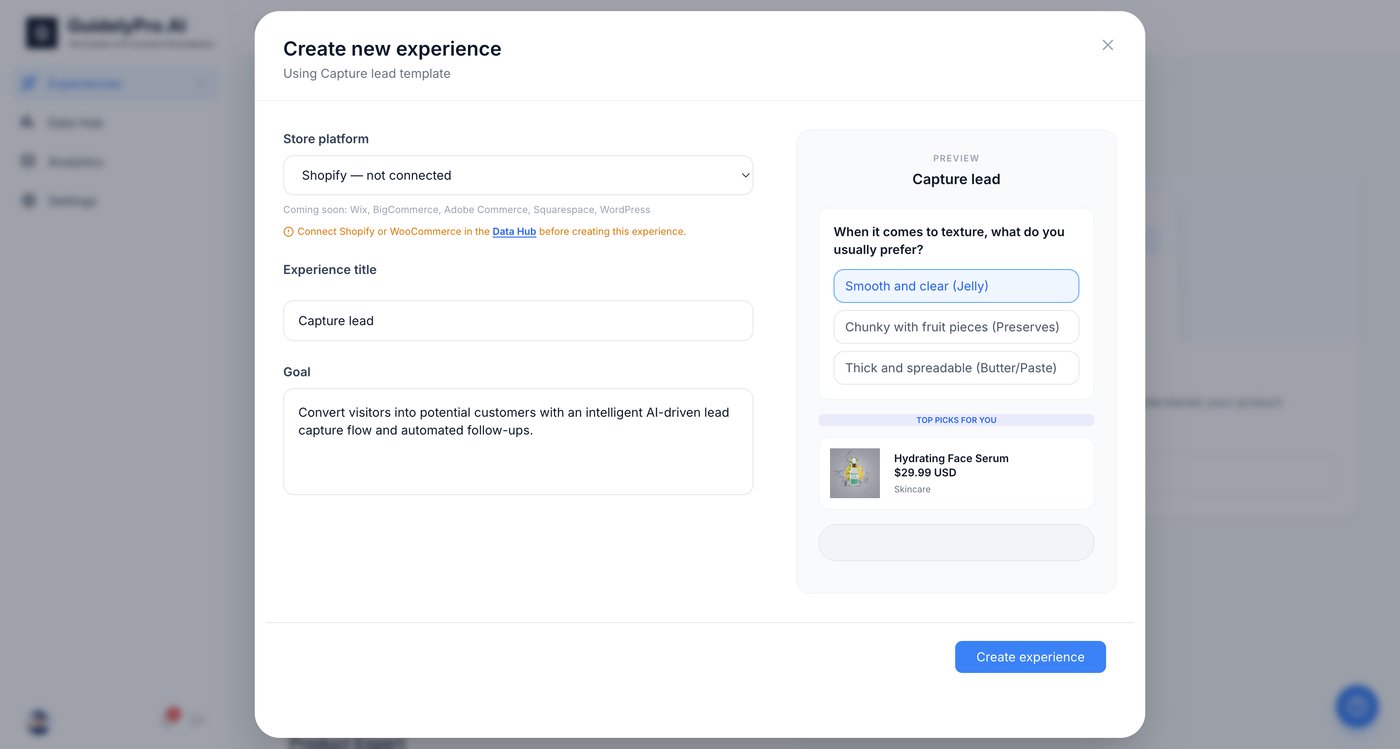
Part 2 — Connect your Shopify store
1
Open the Data Hub
Open the Data Hub to set up an integration before publishing your experience.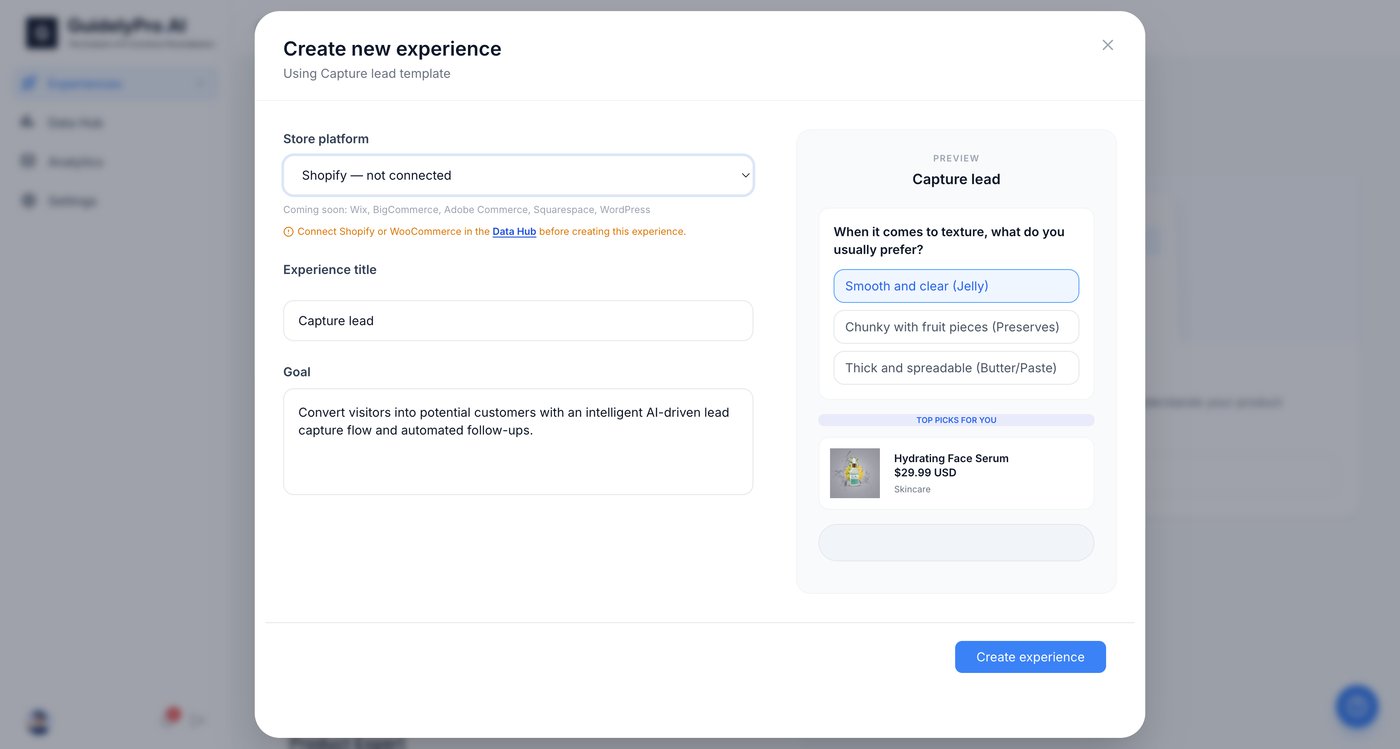
2
Add an integration
Click the Add integration icon to connect your store platform for data syncing.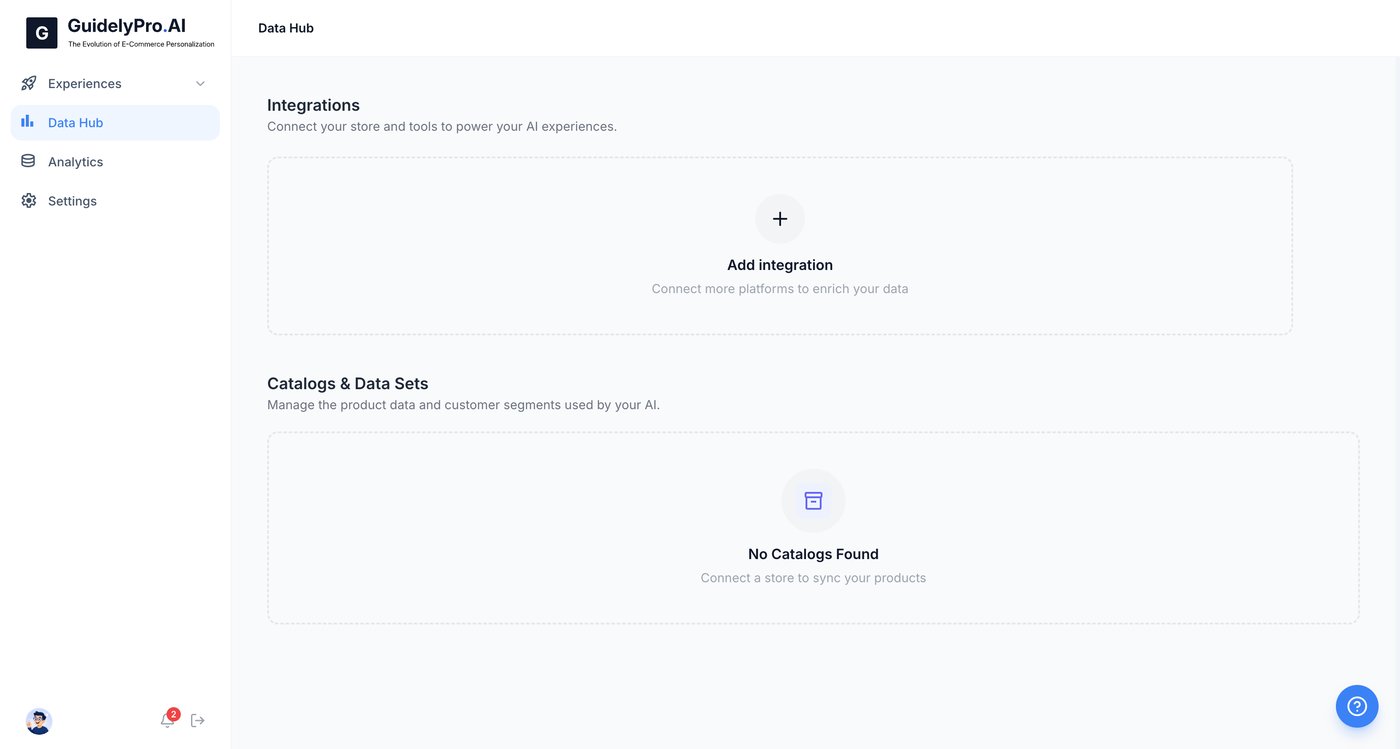
3
Choose Shopify
Choose Shopify to begin connecting your online store to the platform.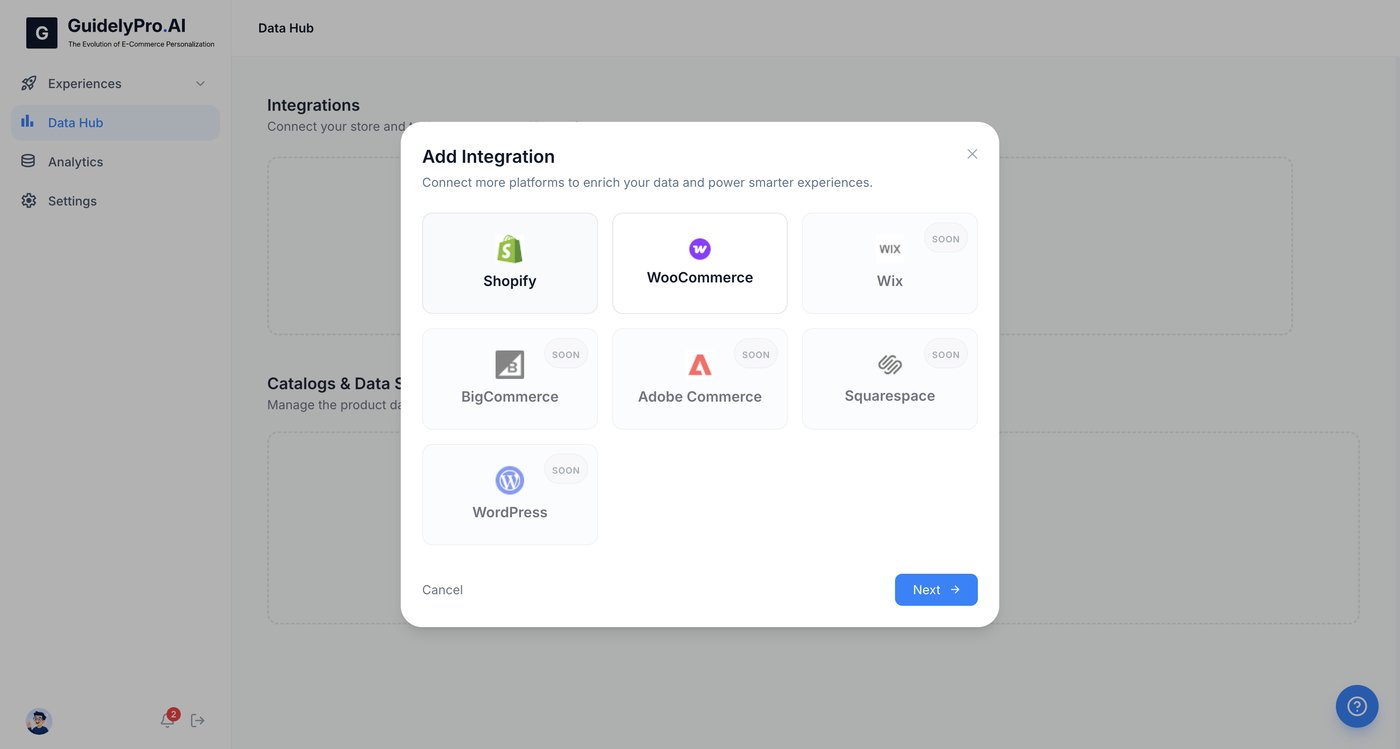
4
Continue
Press Next to proceed.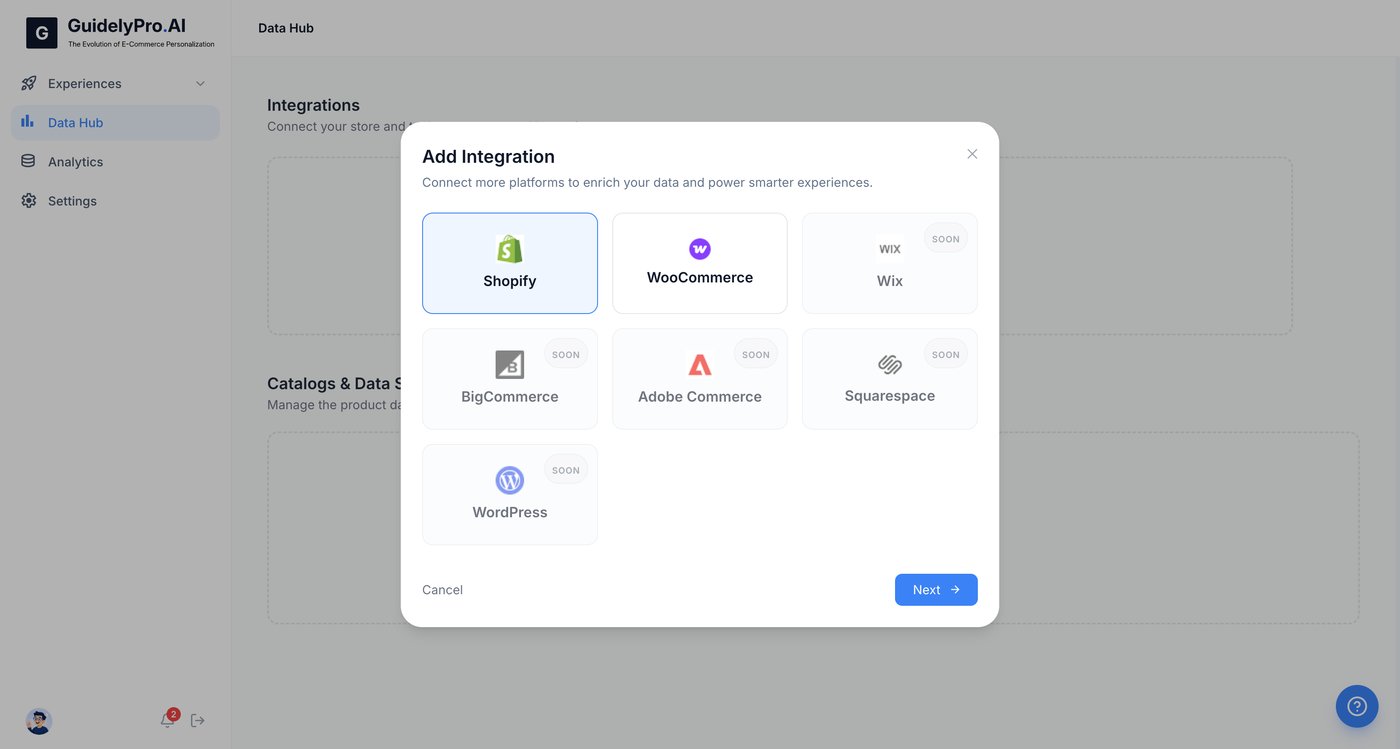
5
Enter your store URL
Enter your Shopify store URL in the input field to link your account.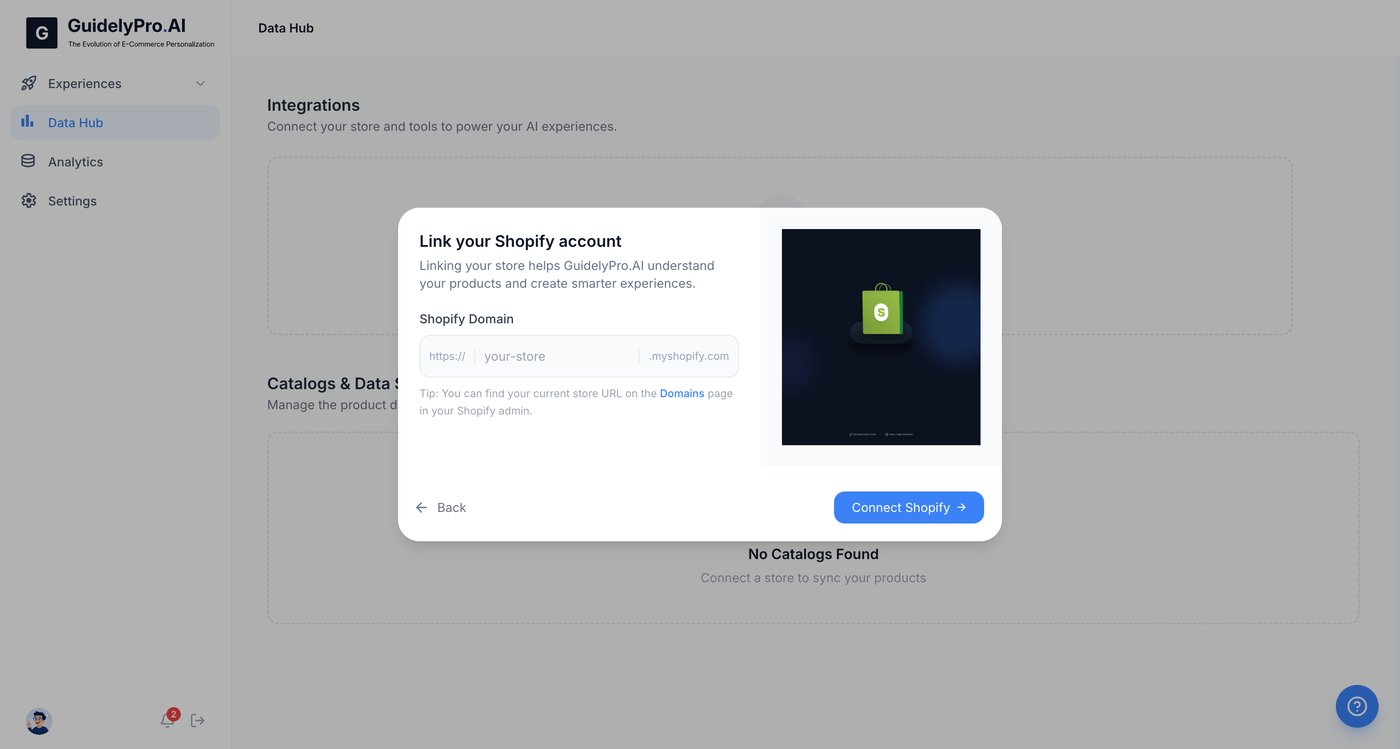
6
Authorize the connection
Click Connect Shopify to authorize the connection and allow data synchronization.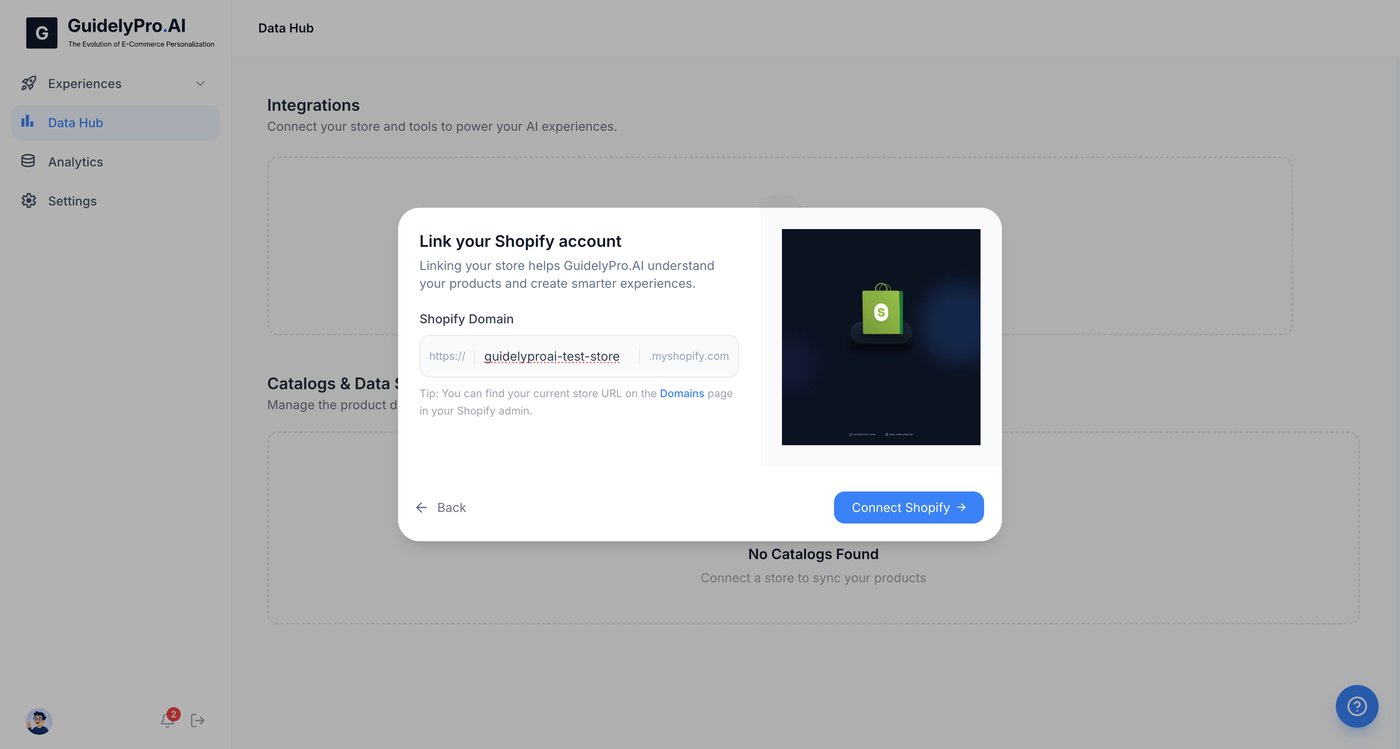
7
Finalize the integration
Hit Install to grant permissions and finalize the Shopify integration.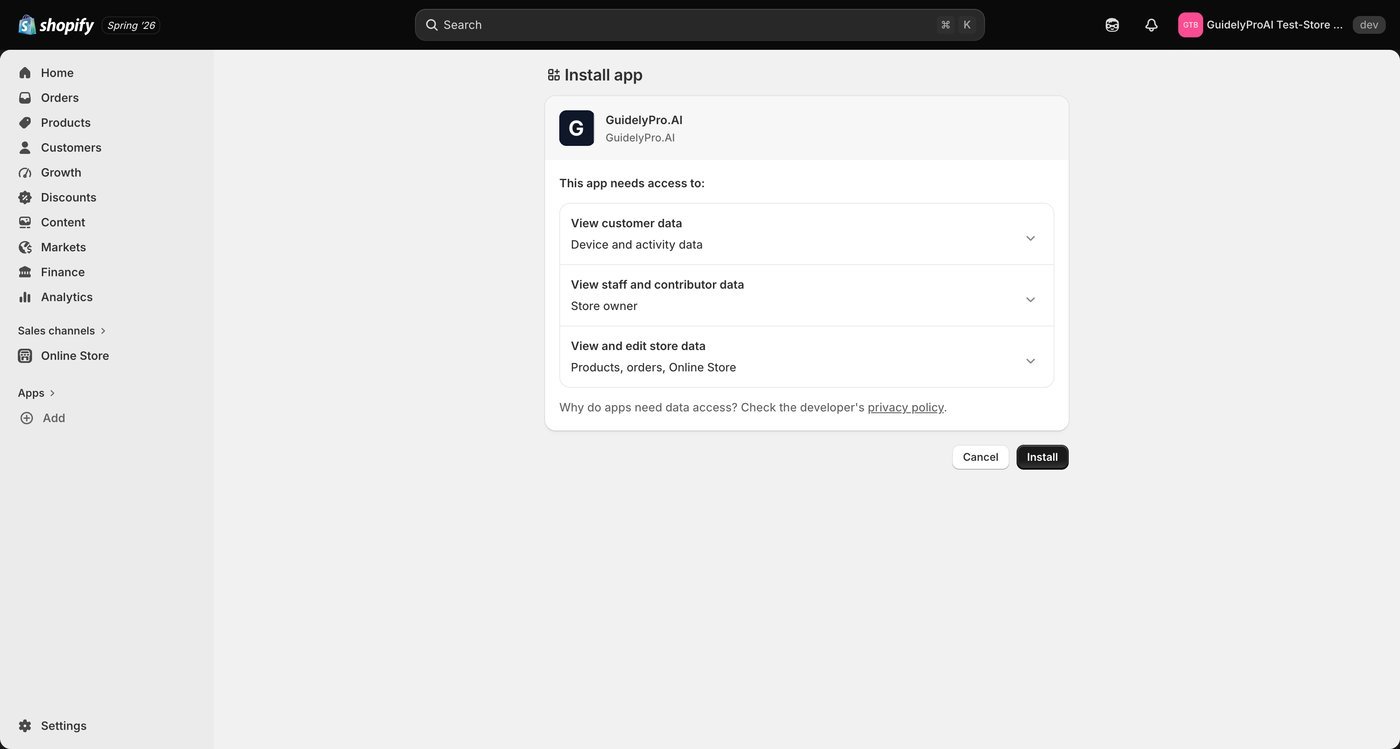
Part 3 — Create the experience
1
Go to Experiences
Navigate to Experiences to manage your experiences.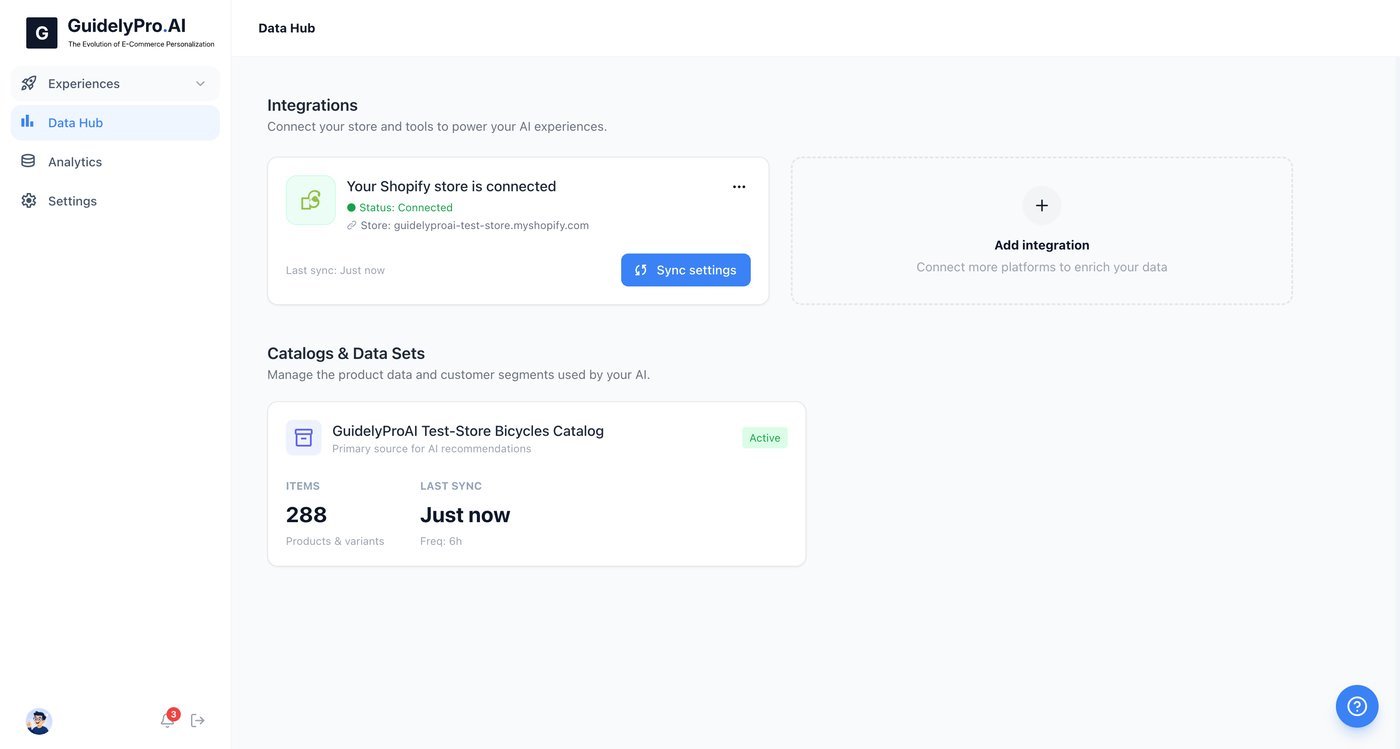
2
Check the dashboard
Go to the dashboard to see an overview of your integrations and active product catalog.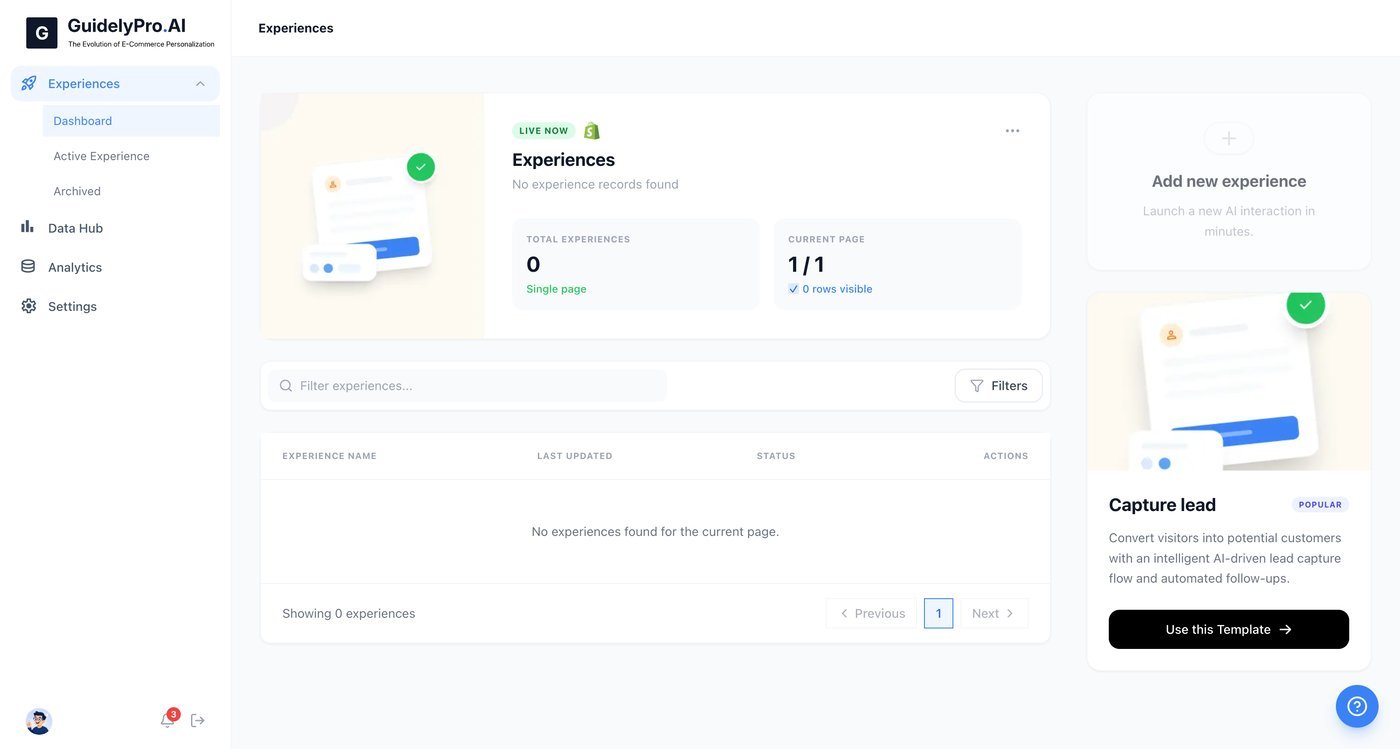
3
Launch the template
Click Use this Template under Capture lead to launch a new experience.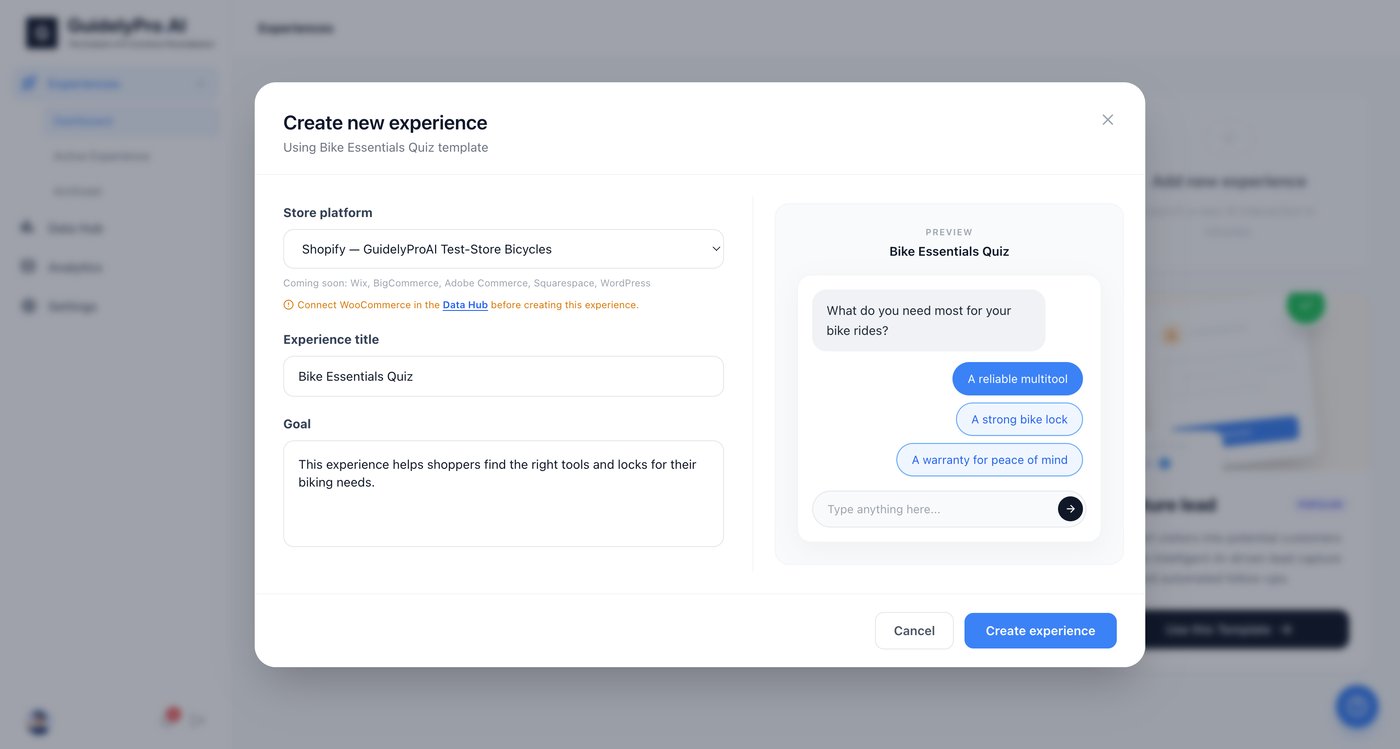
4
Select your store
Confirm or select your connected Shopify store from the dropdown before proceeding.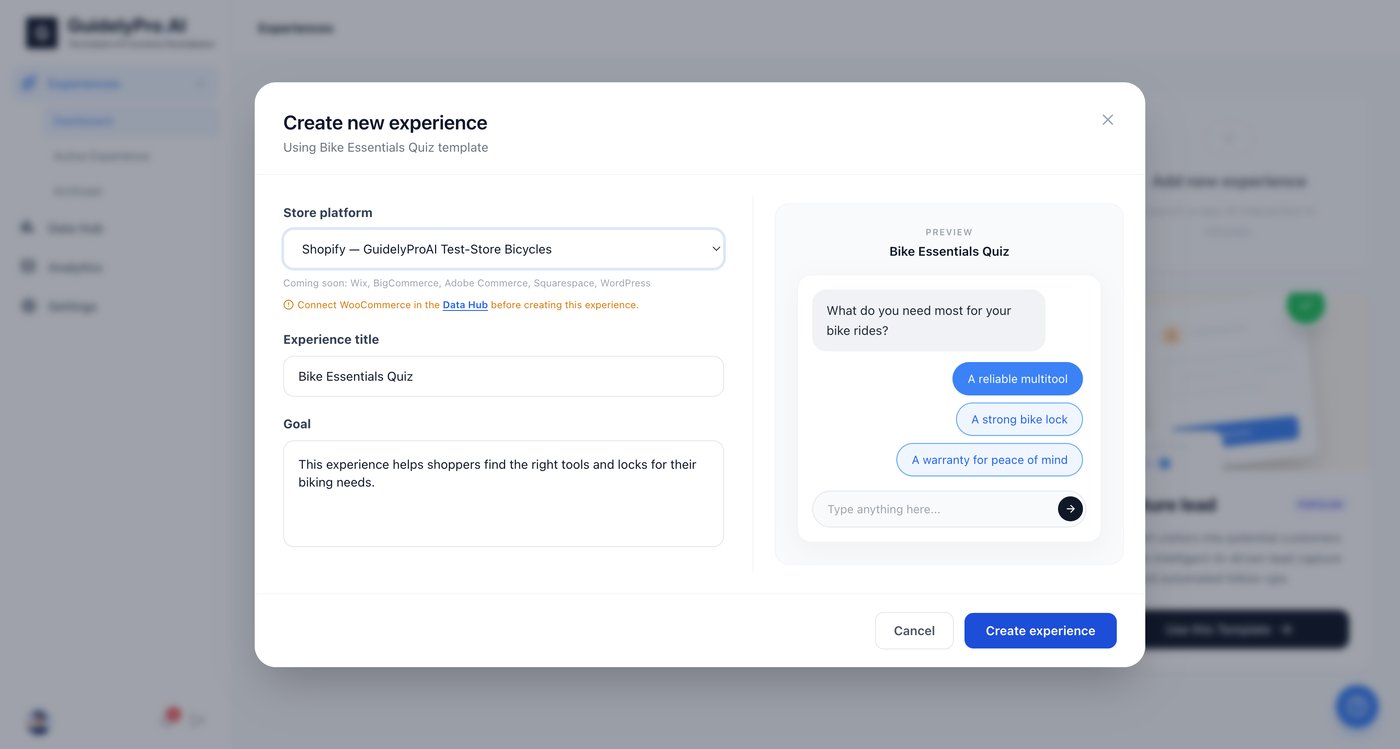
5
Create the experience
Click Create experience to generate your personalized lead capture experience.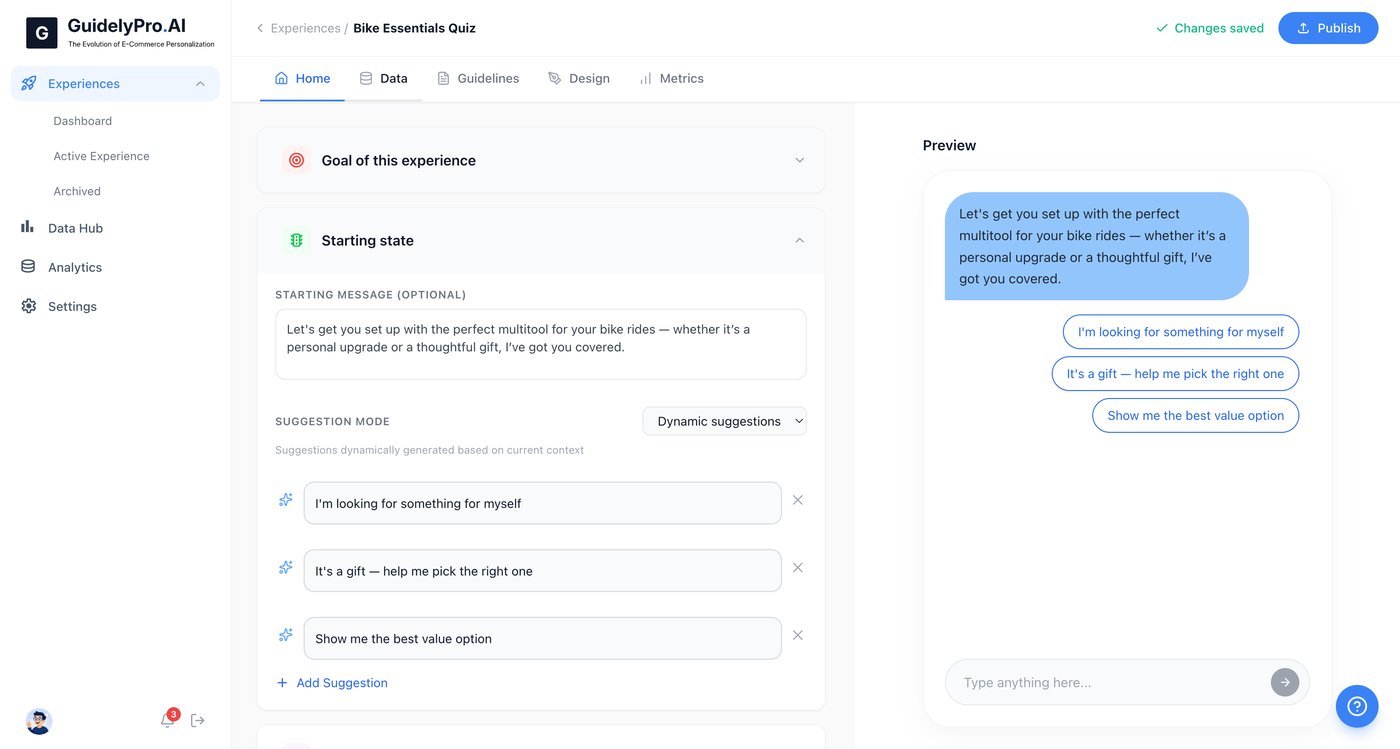
Part 4 — Customize and publish
1
Review your data
Open the Data tab to manage or review data and input fields.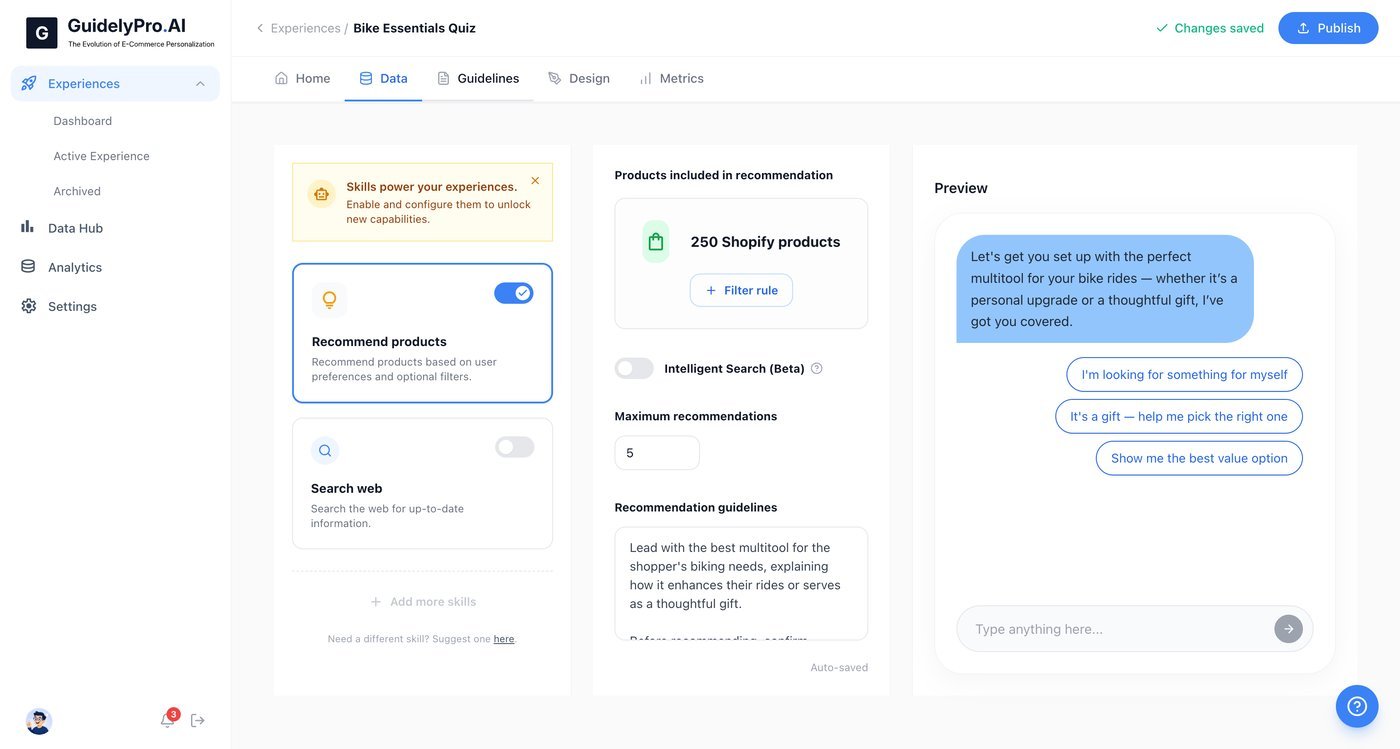
2
Set the guidelines
Visit the Guidelines tab to customize the recommendation logic and rules for your experience.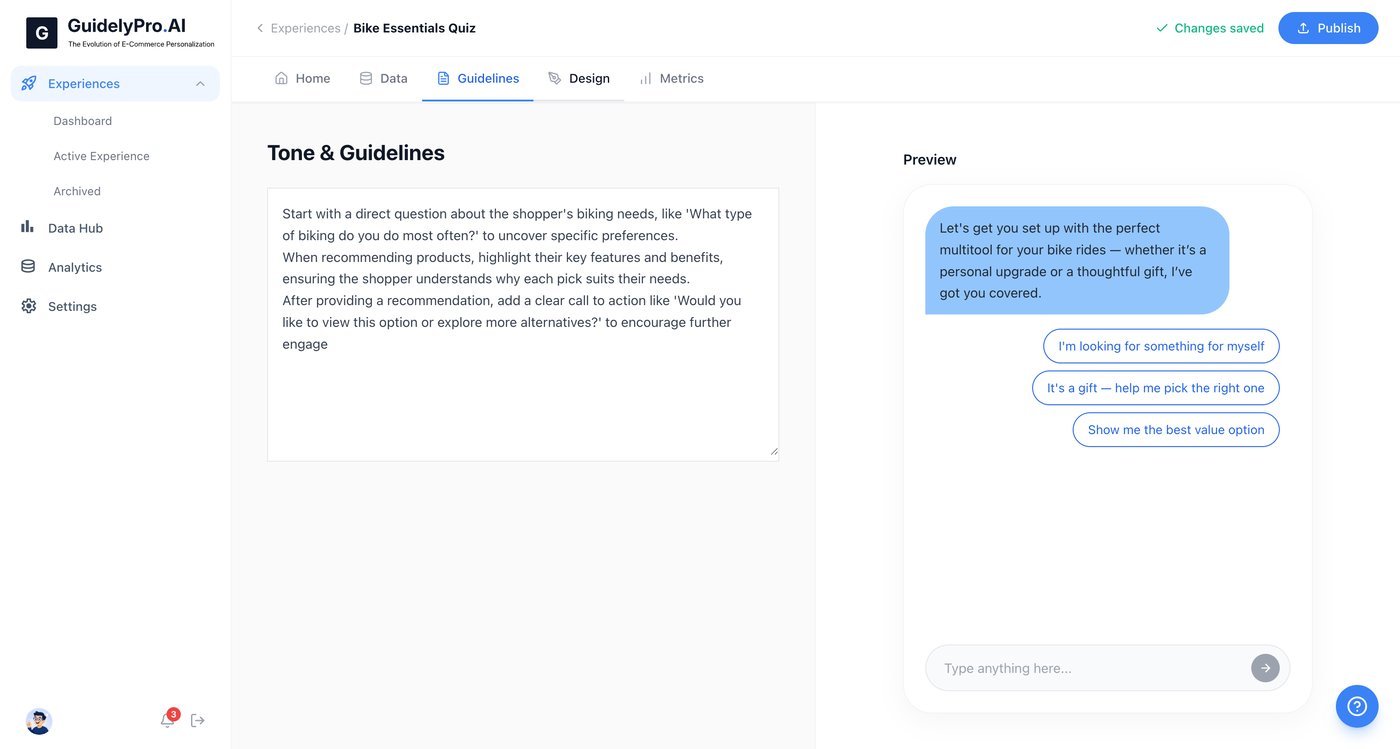
3
Match your brand
Access the Design tab to personalize the interface — colors, style, and brand.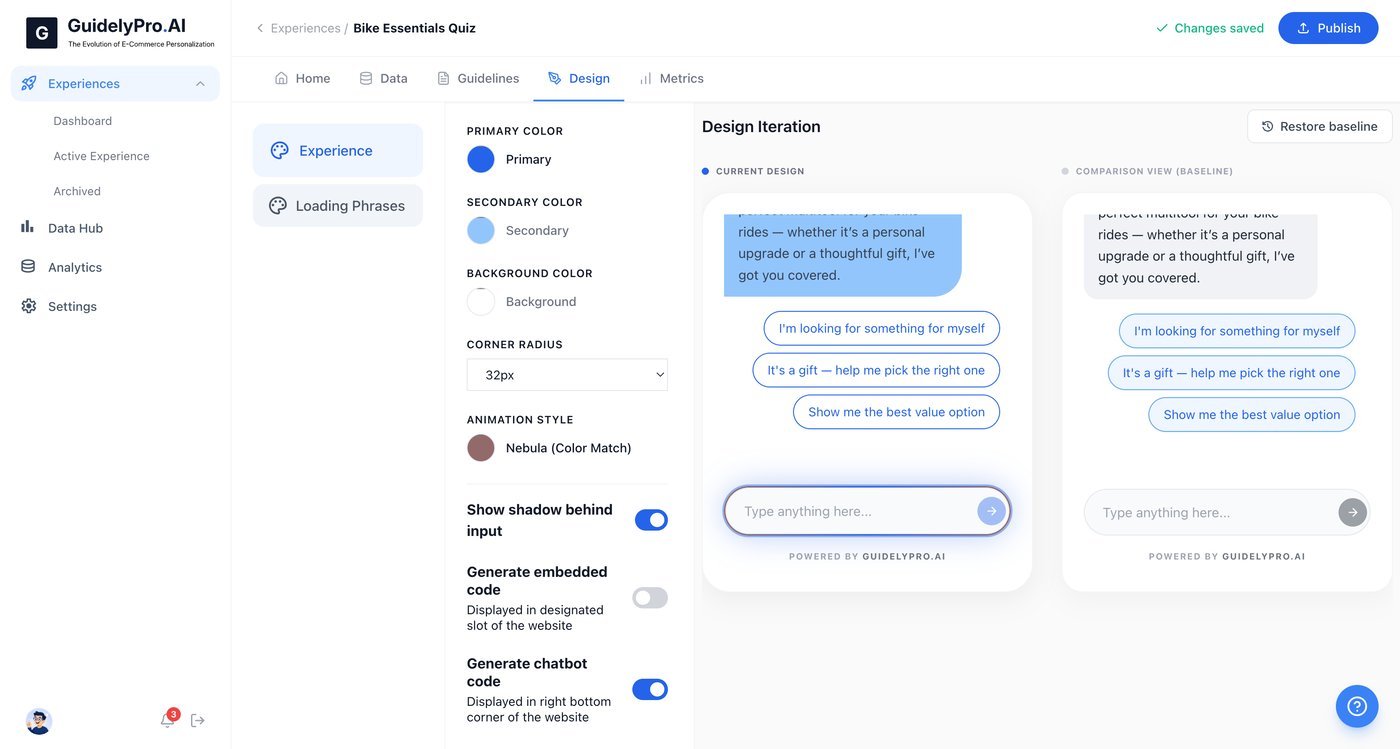
4
Publish
Click Publish to make your experience live on your Shopify store.