> ## Documentation Index
> Fetch the complete documentation index at: https://docs.guidelypro.ai/llms.txt
> Use this file to discover all available pages before exploring further.
# Shopify: Connect Your Store via Shopify App
> Start building awesome a conversion engine for your e-commerce store in minutes.
## From App Store search to a live guided-selling experience on your store — in about five minutes. No code, no theme changes, no developer.
***
**Before you start** — you need admin access to your Shopify store and your Shopify domain (you'll find it in your Shopify admin). That's it.
Prefer to watch? Click through the interactive walkthrough
## Part 1 — Install the app
In your Shopify admin, click **Add** under **Apps** to start adding new functionality to your store.
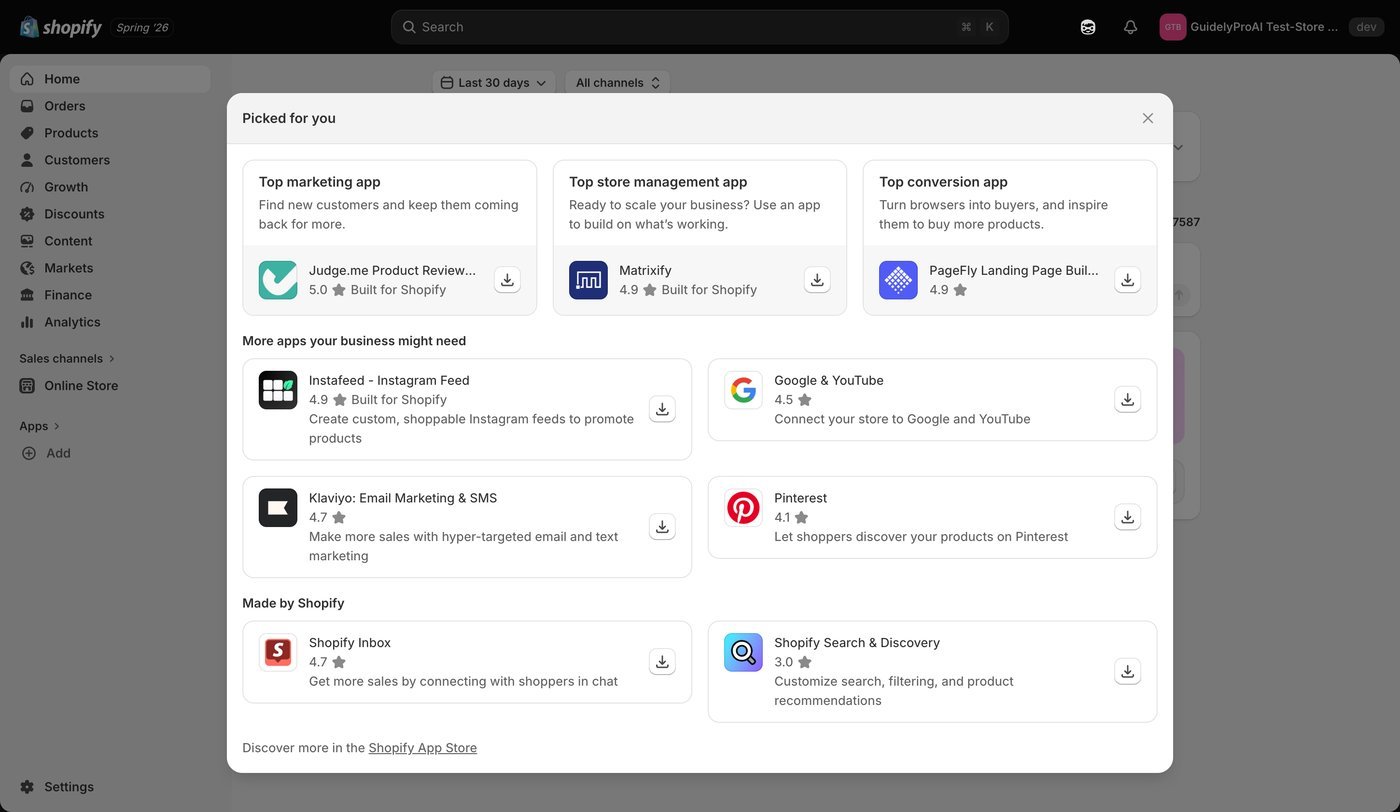
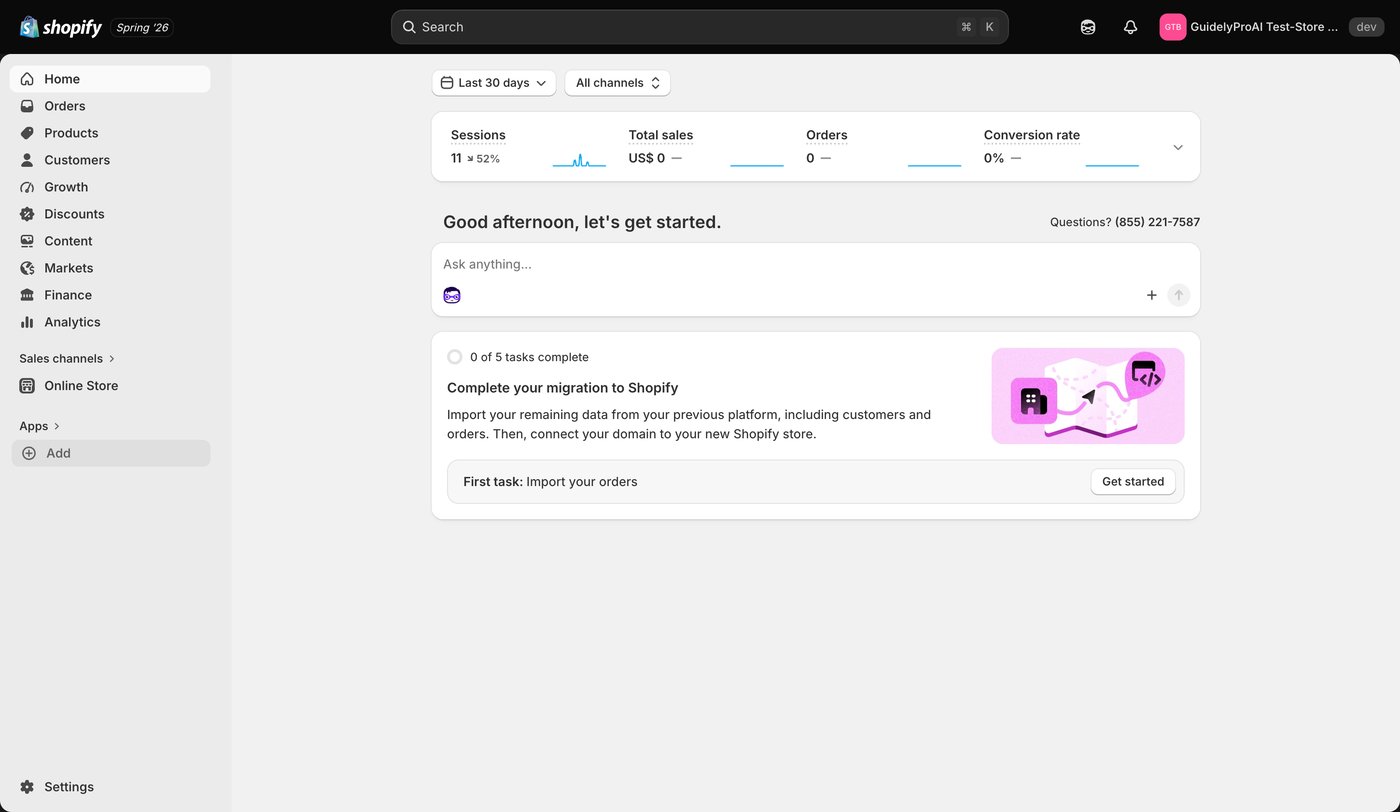 Select **Shopify App Store** to browse the full app catalog.
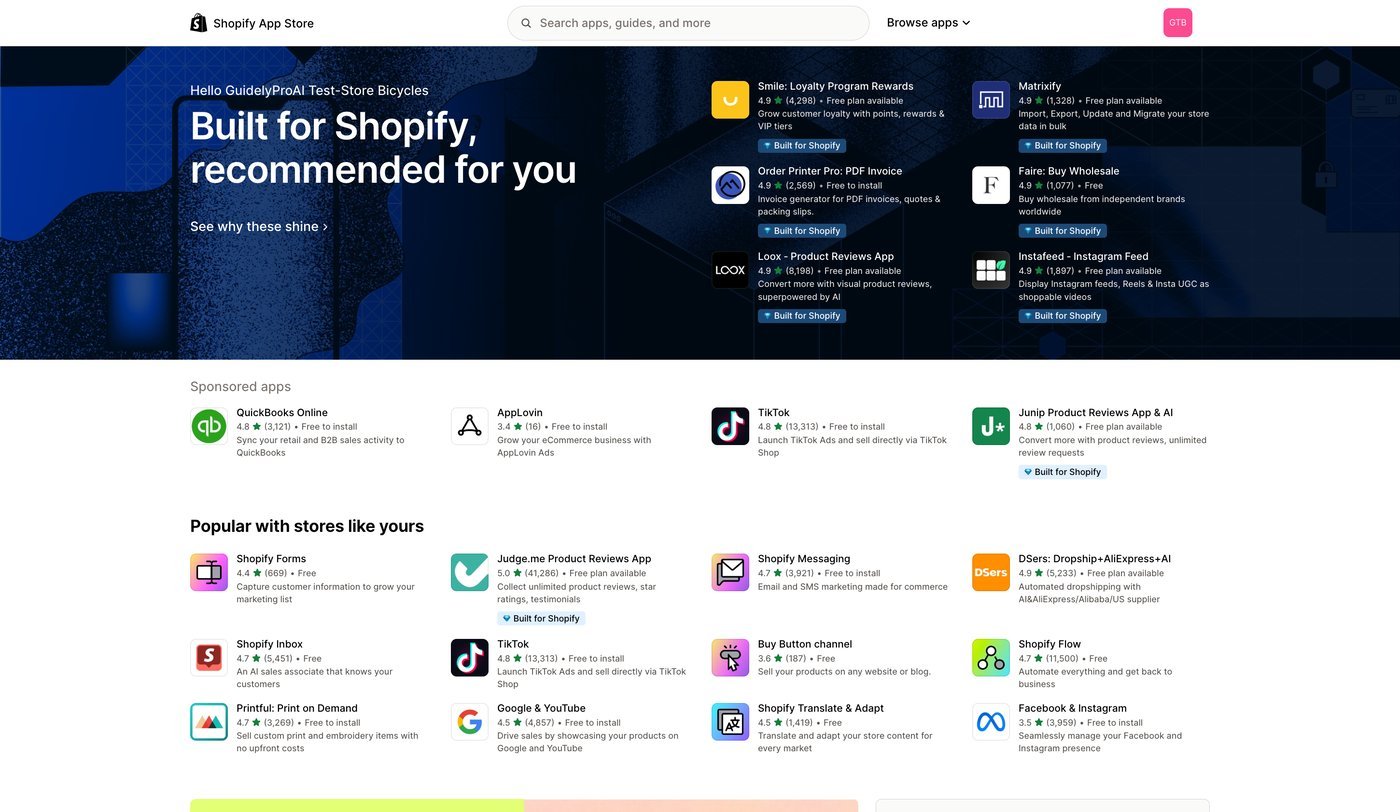
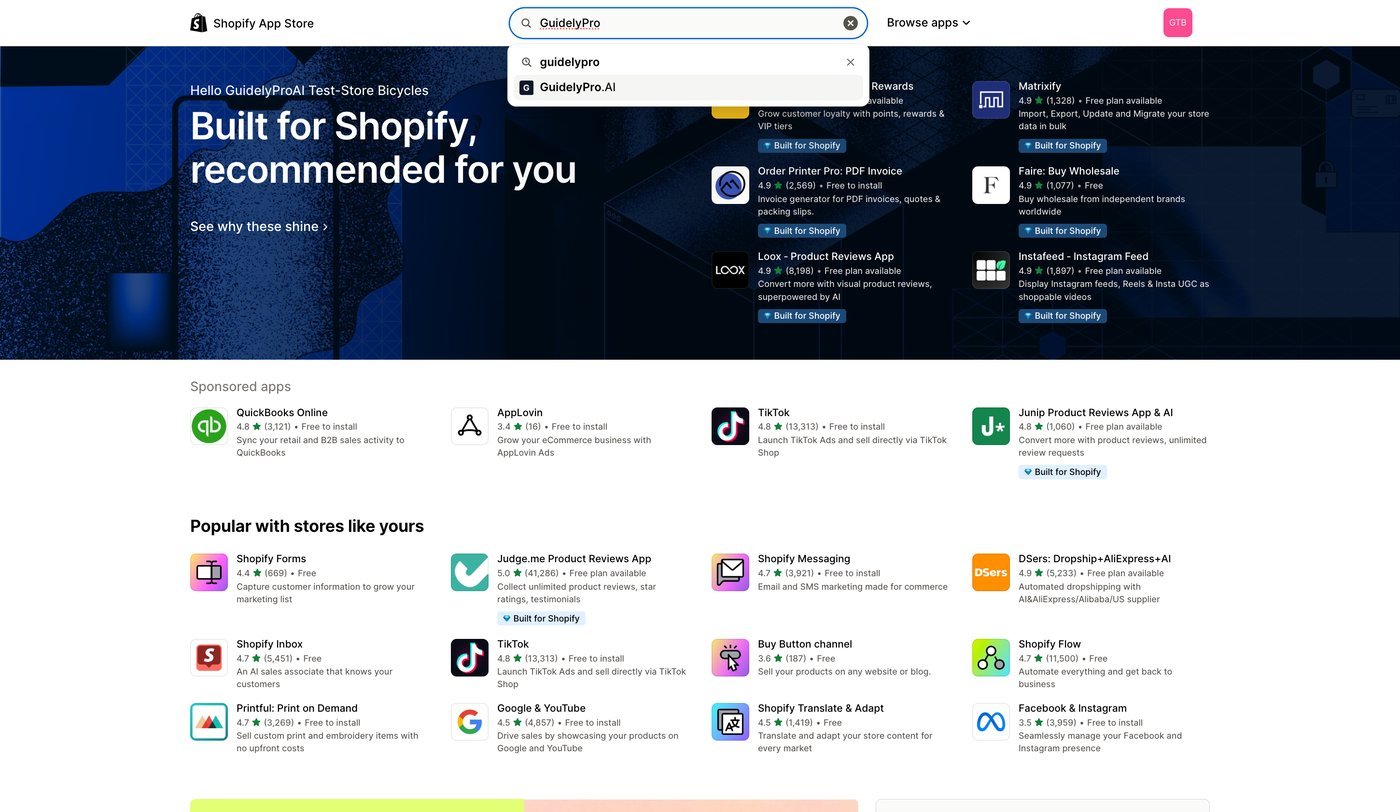
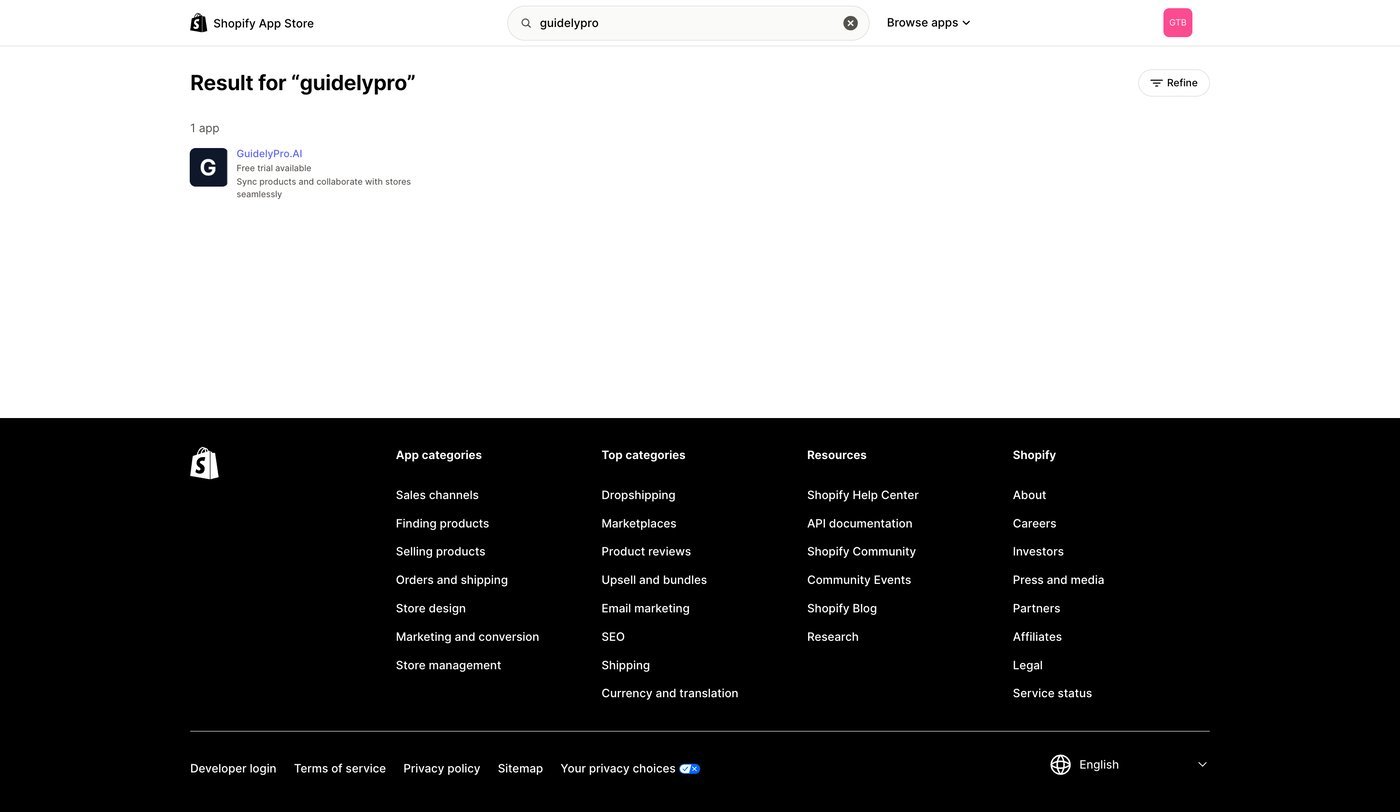
 Use the search bar to find the **GuidelyPro.AI** app.
 Click GuidelyPro.AI in the search results to view it in detail.
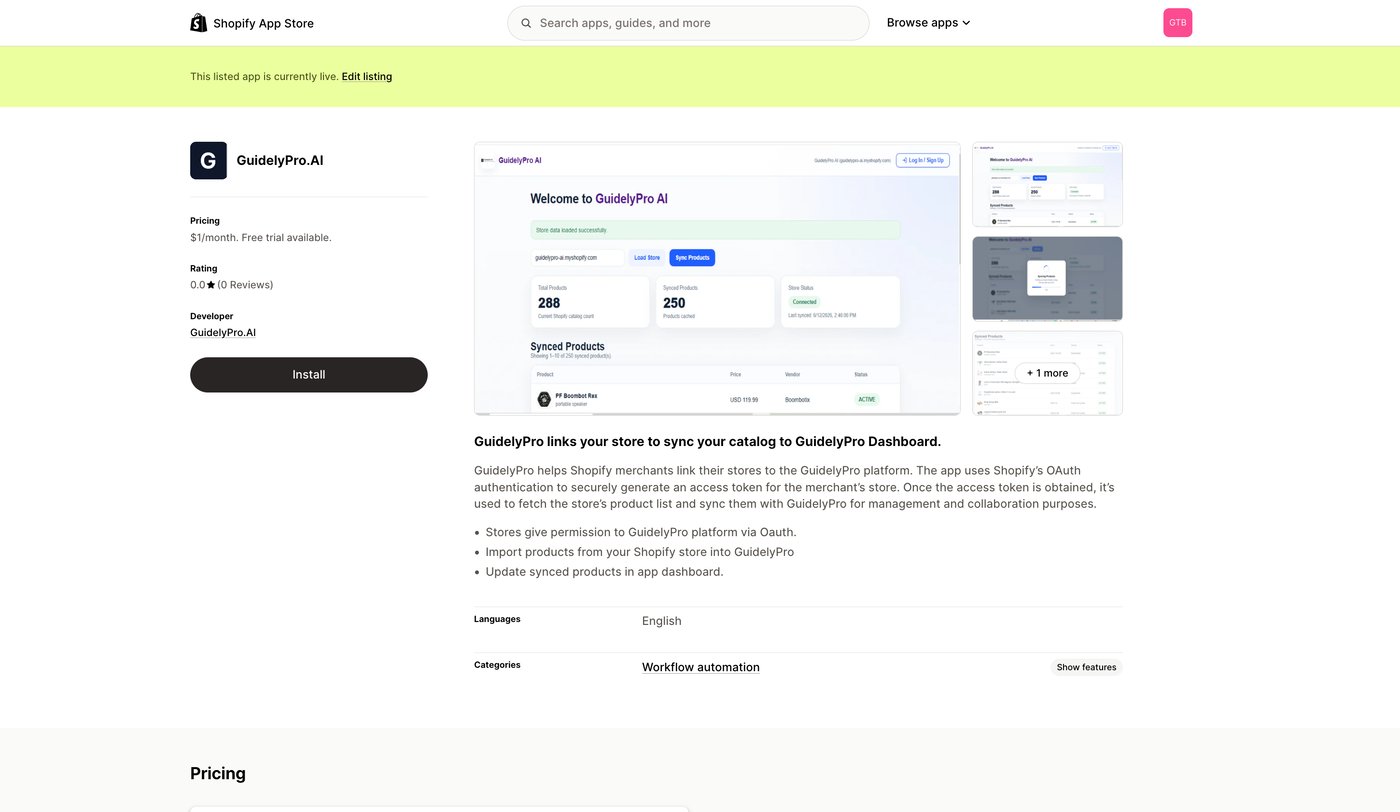
 Open the app listing to review its overview, features, and user reviews before installing.
 Press **Install** to begin adding the app to your Shopify store.
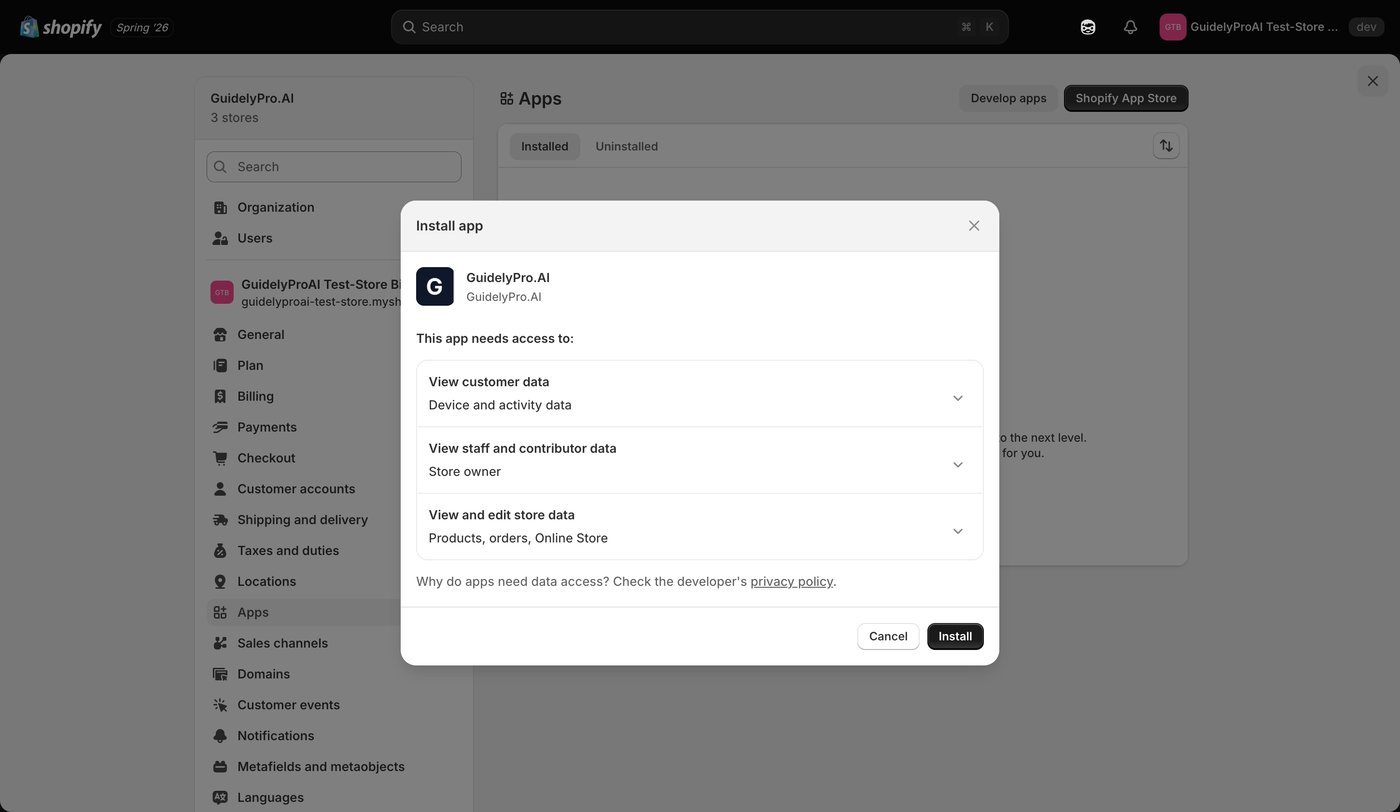
 Review and accept the listed permissions, then confirm the installation.
 ## Part 2 — Create your account and connect your store
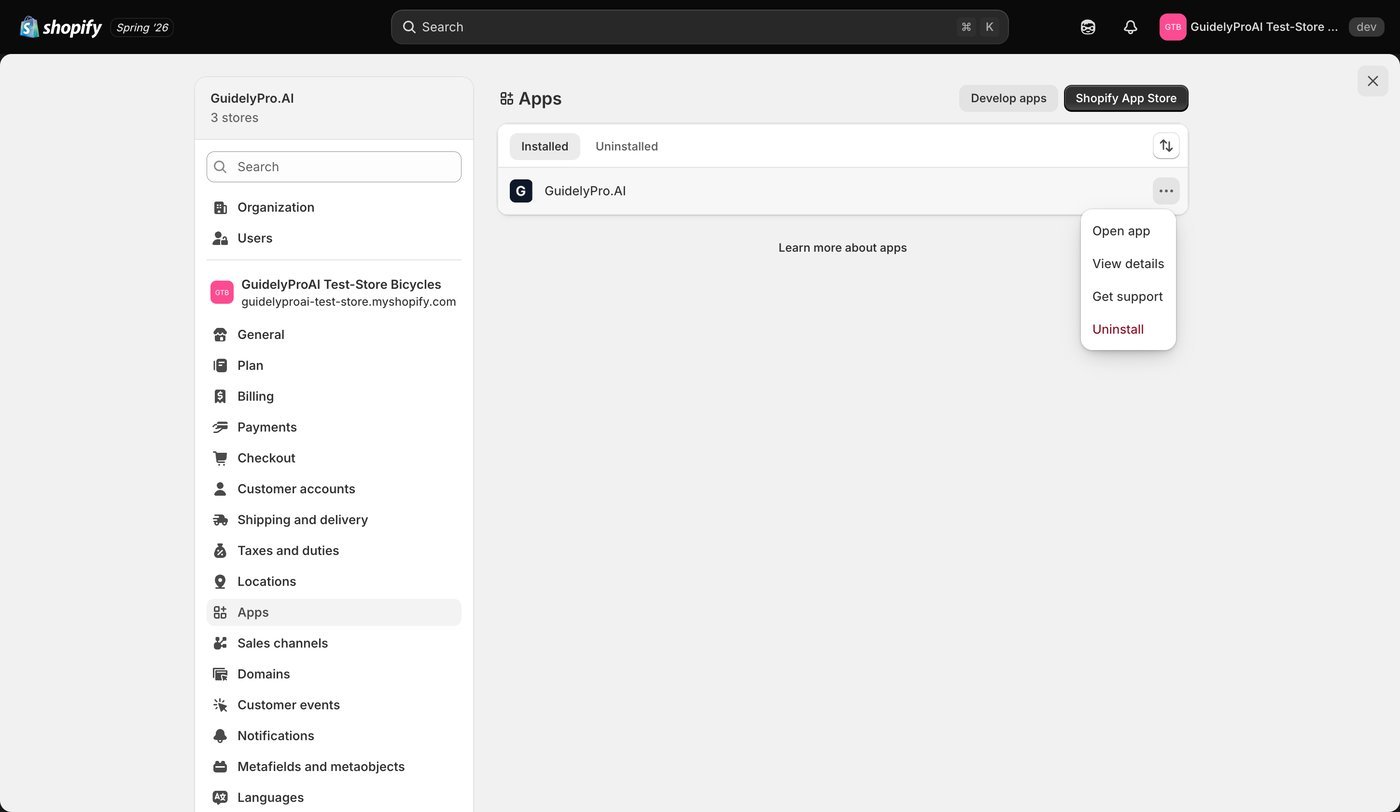
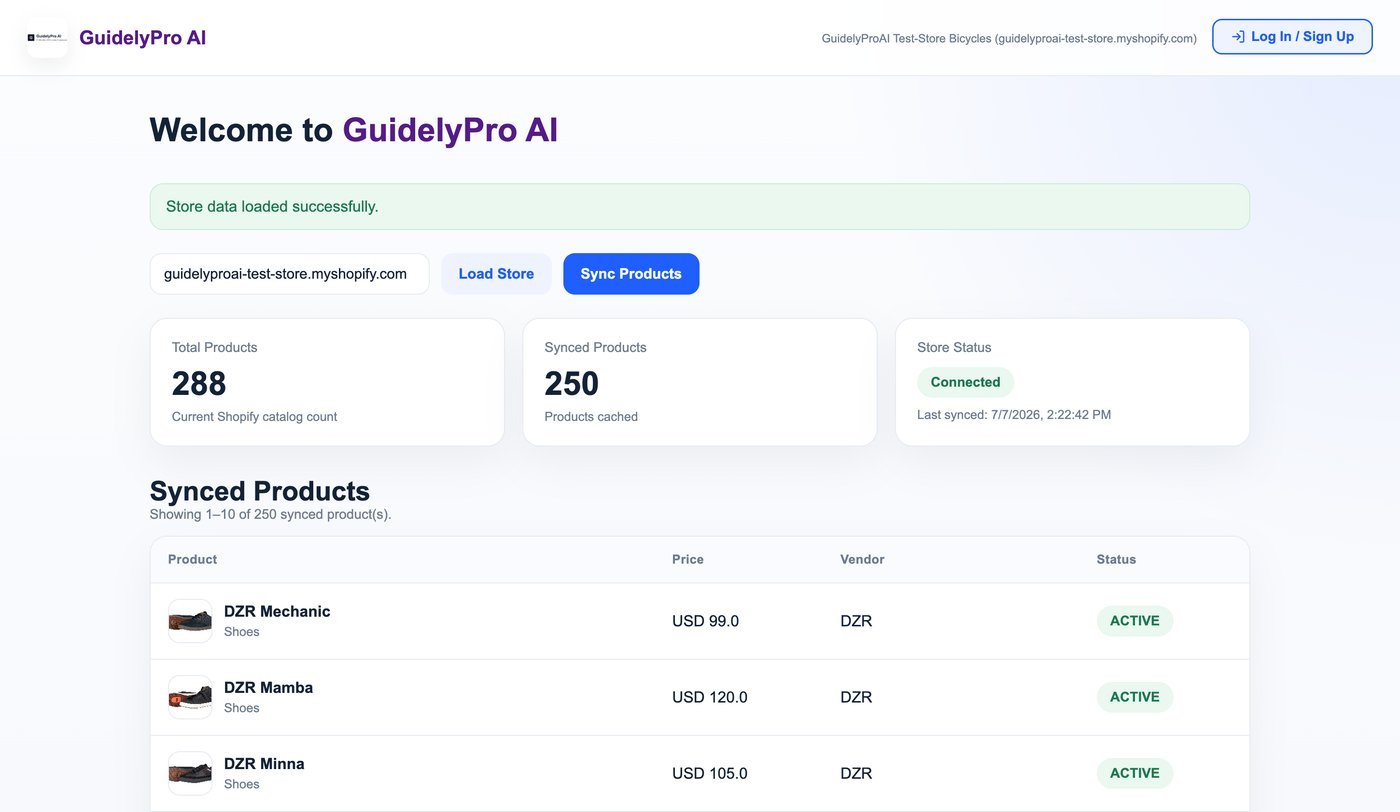
Open GuidelyPro.AI from your Shopify admin.
## Part 2 — Create your account and connect your store
Open GuidelyPro.AI from your Shopify admin.
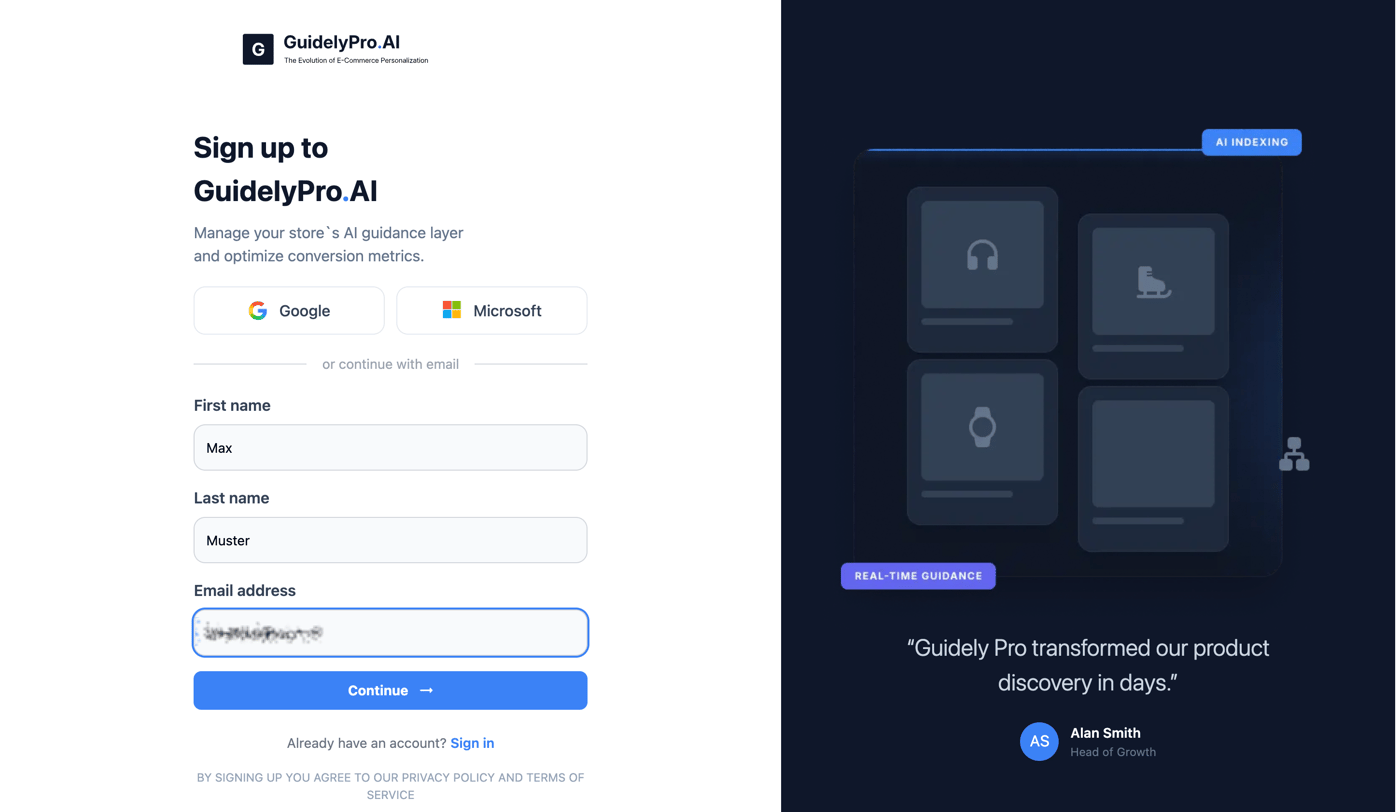
 Sign up or log in to GuidelyPro.AI. You'll create your experience in seconds and publish it directly to your store — no technical skills needed.
 Complete the sign-up, then click **Continue**.
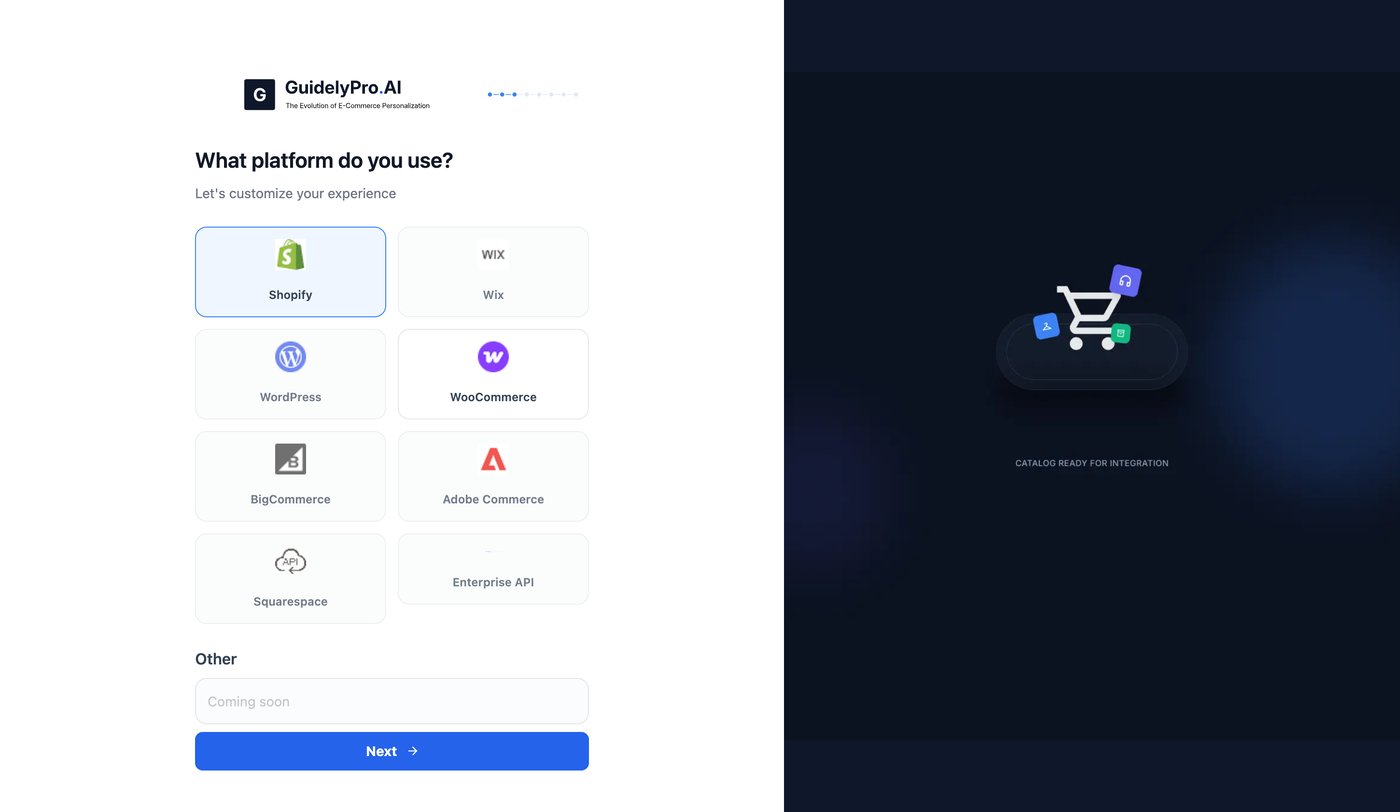
 Select **Shopify** as your platform and confirm to continue.
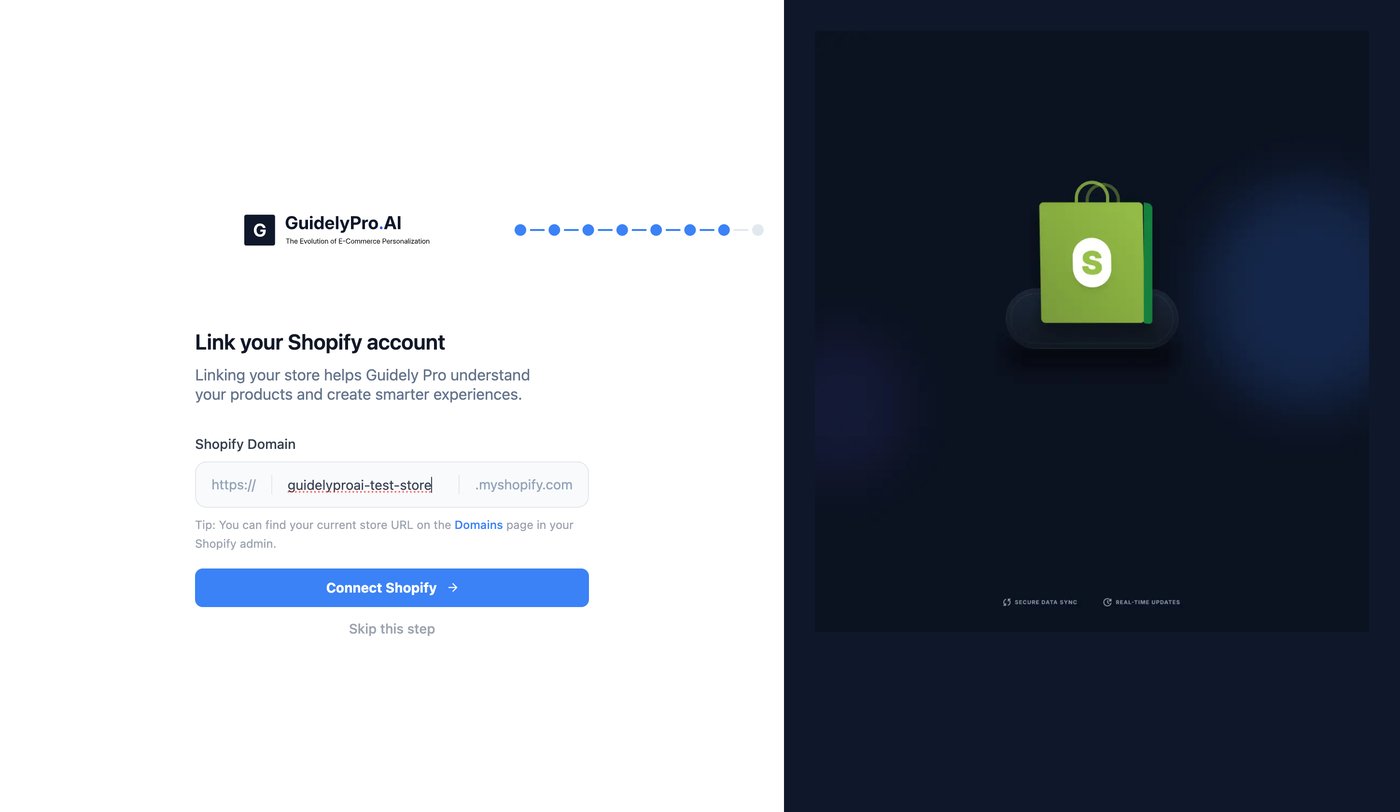
 Enter your Shopify domain. You can find it in your Shopify admin.
 ## Part 3 — Choose your plan
Choose the subscription that best fits your needs, then confirm to continue.
## Part 3 — Choose your plan
Choose the subscription that best fits your needs, then confirm to continue.
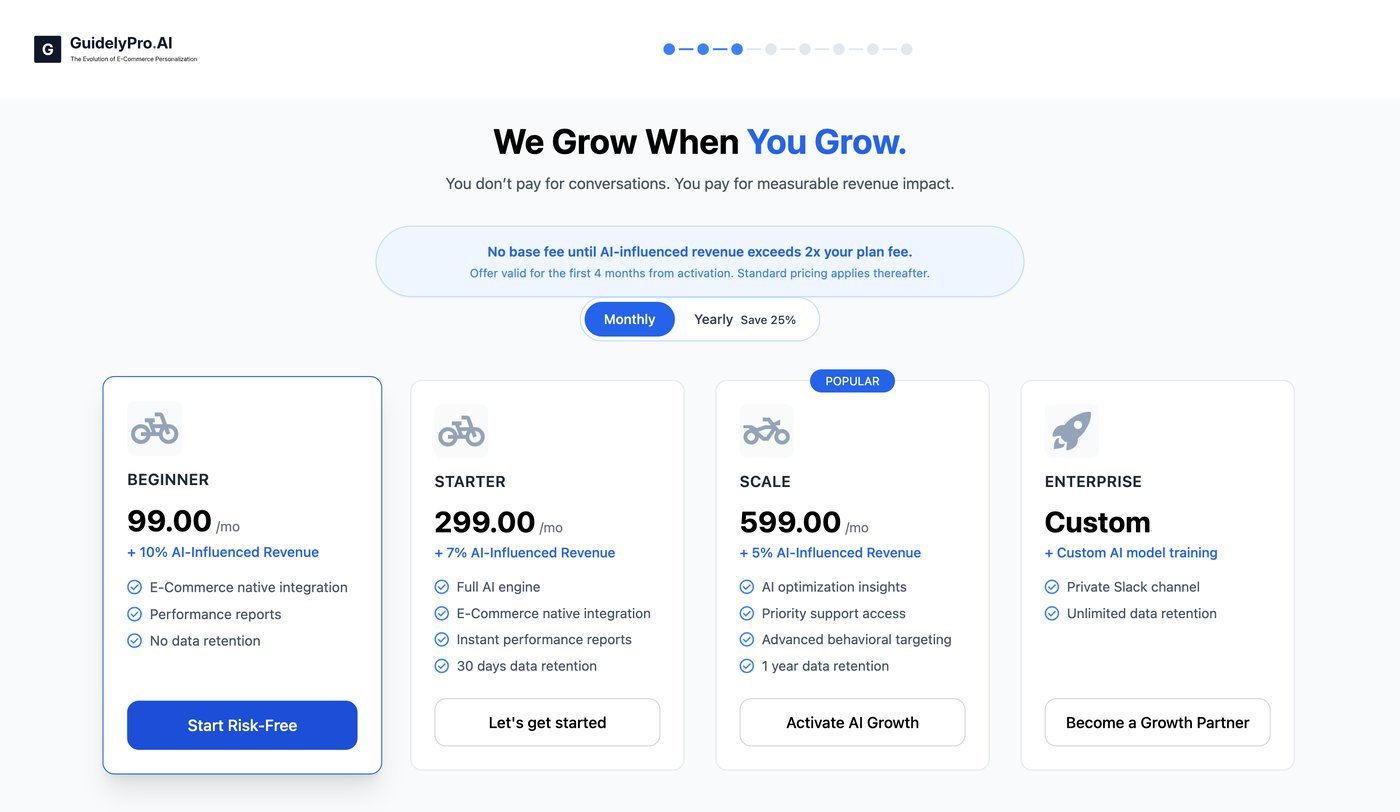 Your first 4 months are **free** — unless your AI-influenced revenue exceeds twice your plan fee. You only start paying when the engine is already paying for itself.
## Part 4 — Build and publish your first experience
Create your first experience — it takes a couple of seconds.
Your first 4 months are **free** — unless your AI-influenced revenue exceeds twice your plan fee. You only start paying when the engine is already paying for itself.
## Part 4 — Build and publish your first experience
Create your first experience — it takes a couple of seconds.
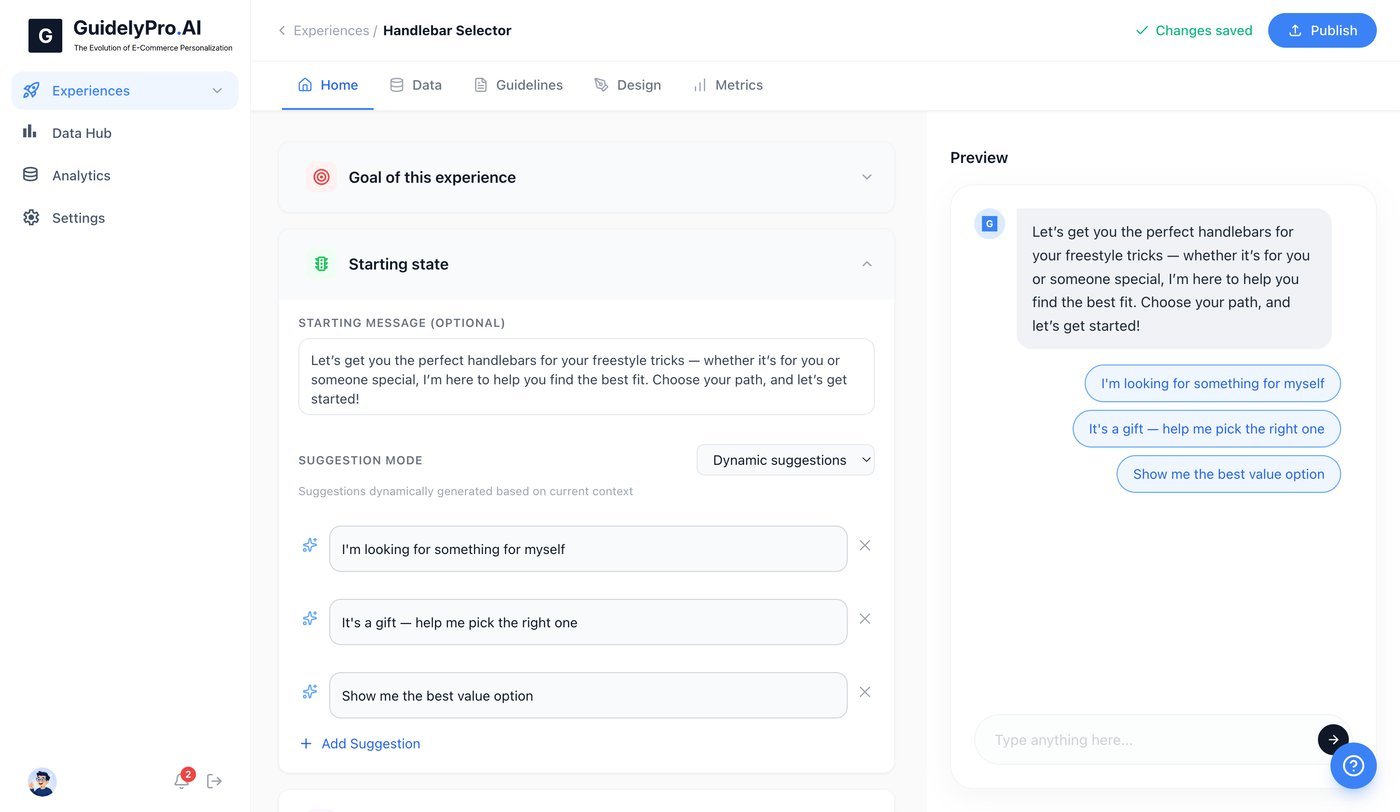
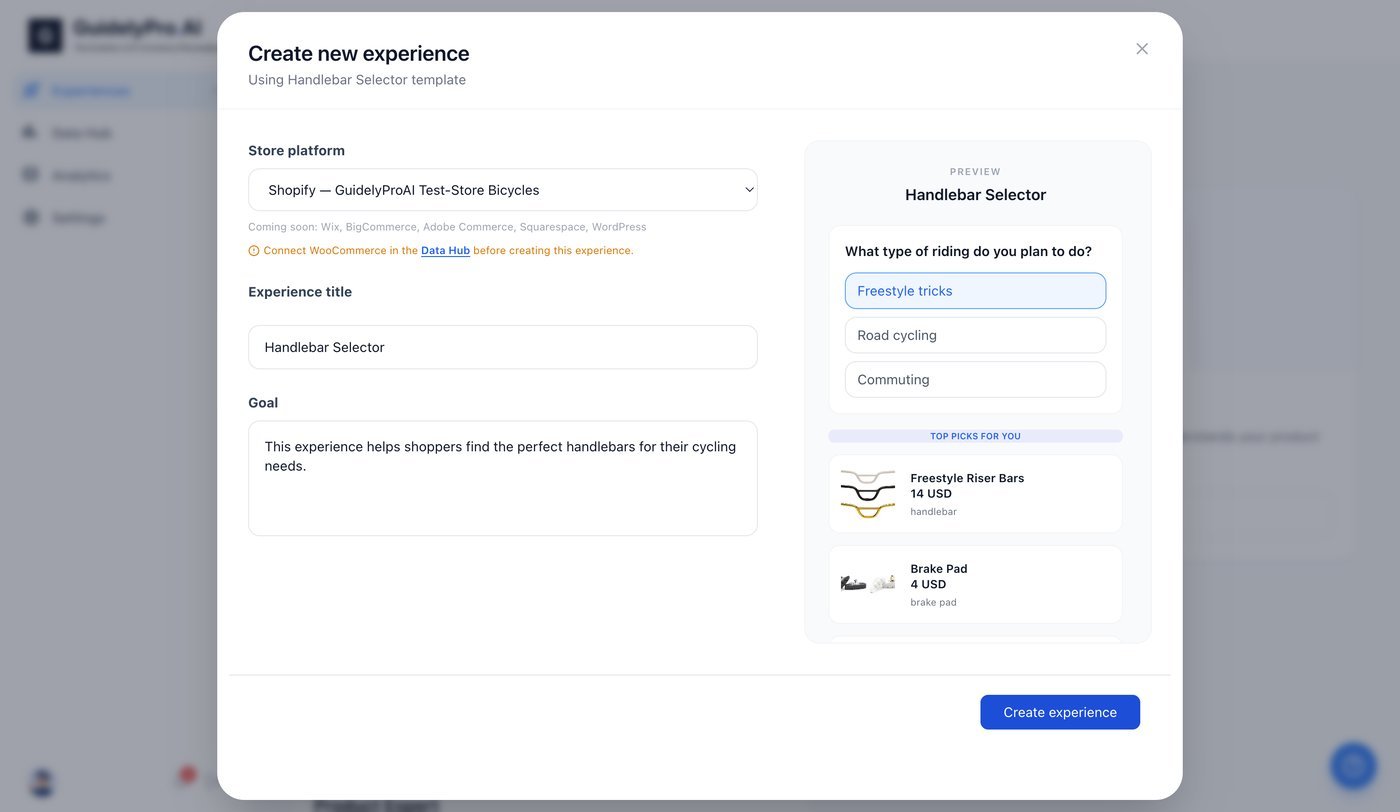 In the **Home** tab, define the initial parameters: set the number of recommended products to display, establish clear recommendation guidelines, and configure additional rules and settings.
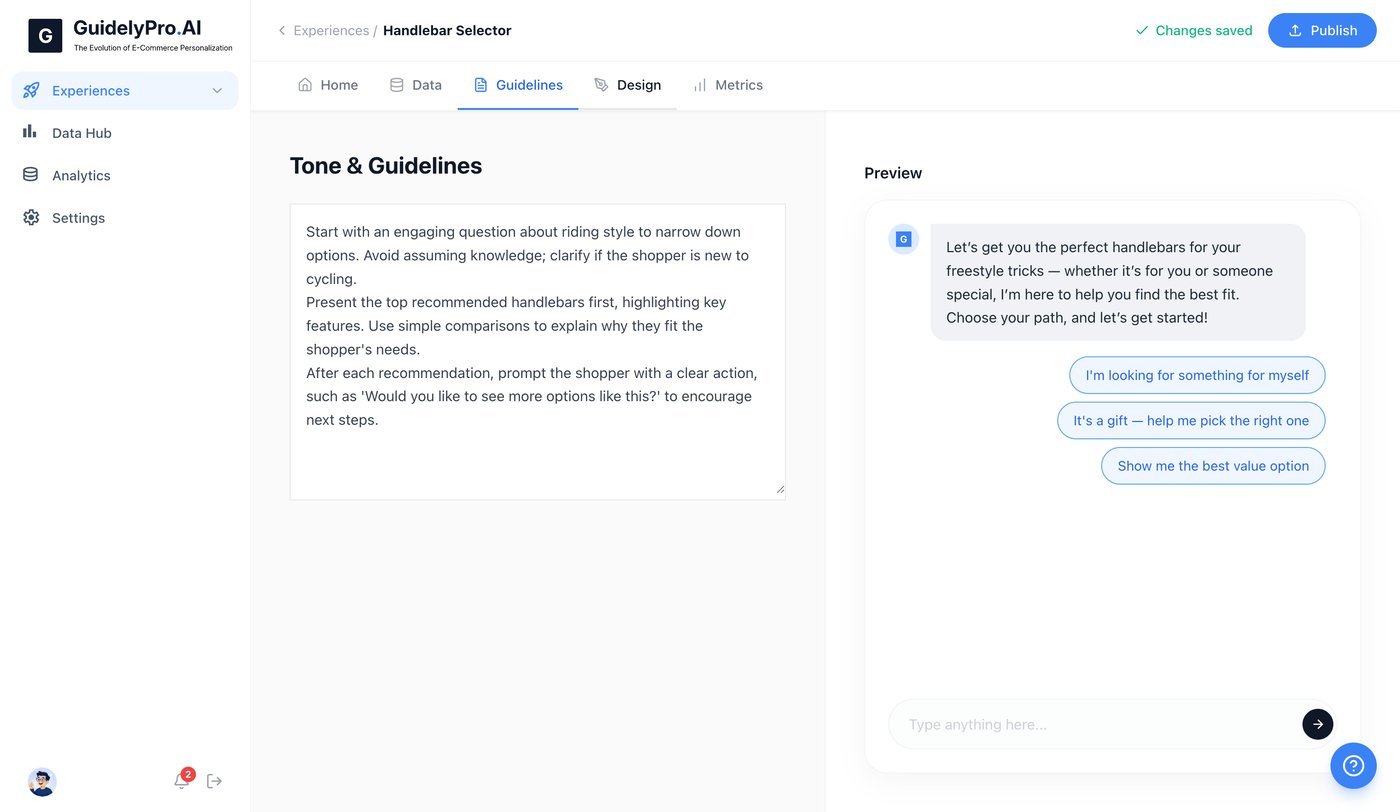
 Define the overall tone and guidelines for your experience.
 Adjust the design so the experience looks native to your store.
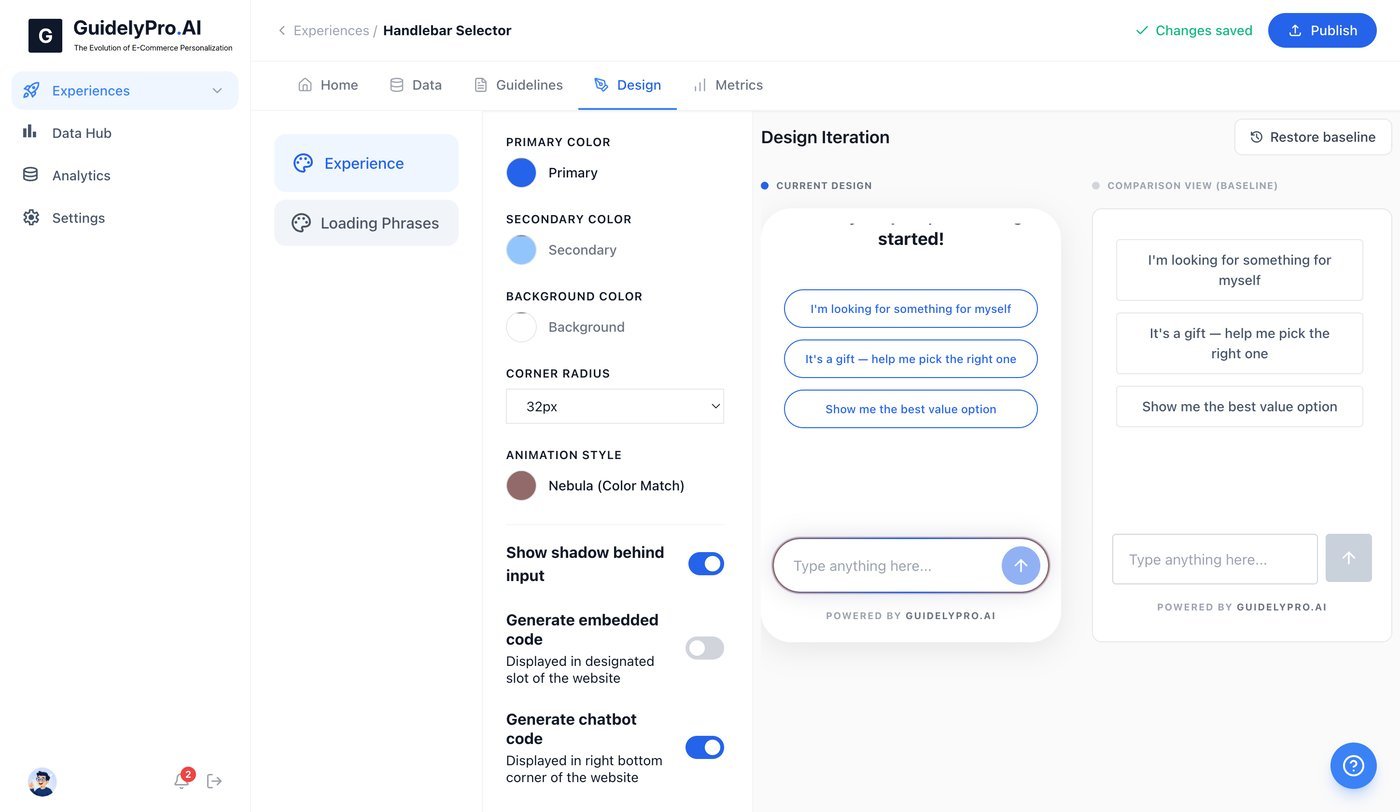 Publish the experience instantly, top right corner.
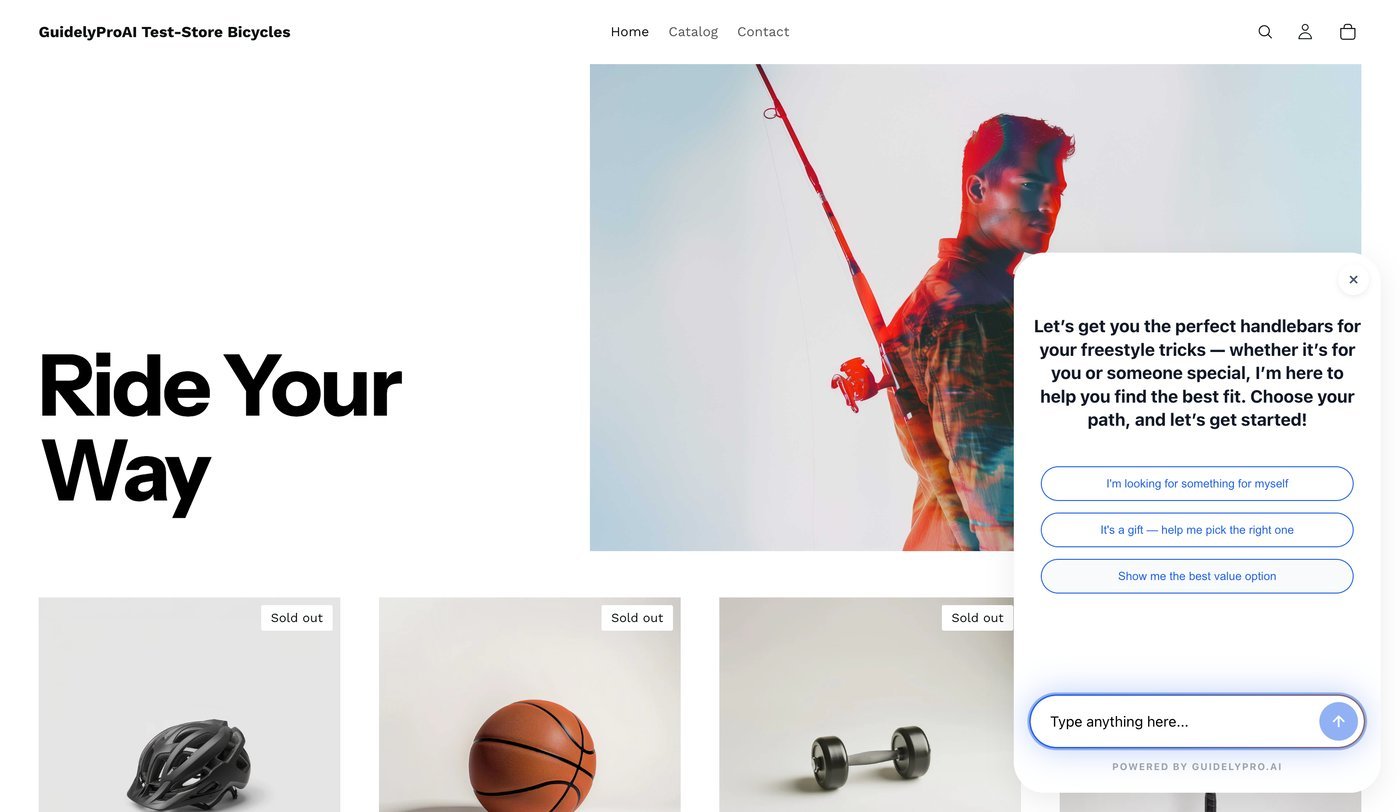
Open your store and get a first-hand taste of the conversion engine you just created.
Publish the experience instantly, top right corner.
Open your store and get a first-hand taste of the conversion engine you just created.
 ## That's it
Your shoppers now get guided to the right product instead of browsing past it. Have fun — and turn leads into customers faster and easier.
## That's it
Your shoppers now get guided to the right product instead of browsing past it. Have fun — and turn leads into customers faster and easier.